<img height="1" width="1" style="display:none" src="https://www.facebook.com/tr?id=1375001637486124&amp;ev=PageView&amp;noscript=1"> Skip to content
Avanzia Consulting weareavanzia.com
HubSpot CMS module

Testimonials & Quotes

Show what customers say as a grid of testimonial cards or as one large featured quote. Easy to edit in the HubSpot editor, with optional star ratings and results bar, theme-friendly colors and a layout that adapts to phones. Free, with no JavaScript.

By Avanzia Consulting SRLFree

Why use it

Two layouts, one module

Testimonial cards for several voices, or one large featured quote for the one that matters most. Switch between them with one setting and keep your content.
Easy to edit

Each testimonial has the quote, a name, a job title, a company, an optional photo and an optional star rating. Add, remove and reorder them from the HubSpot editor.

Made for phones

Three columns on large screens, two on tablets and one on phones, and the featured quote shrinks so long testimonials stay readable. Nothing scrolls sideways.

Matches your site

The accent color and the fonts follow your theme unless you change them. Colors, spacing and corner radius are in the Styles tab, so it works on light and dark designs.

Clear for every visitor

Each testimonial is a quotation with its author. Stars are read as text, decorative marks are hidden from screen readers, and the default colors were checked for contrast.

Light and free

No JavaScript, no animation, no external library and no network requests. It is a complete module, not a limited version of a paid one.

Live preview

These are real instances of the module, rendered by HubSpot on this page, with fictional sample content: testimonial cards, a featured quote, cards with a results bar on a dark background and a left-aligned featured quote.

Testimonials

What our customers say

Demonstration content: these testimonials are fictional examples. Replace them with real feedback you have permission to publish.

  • Rated 5 out of 5

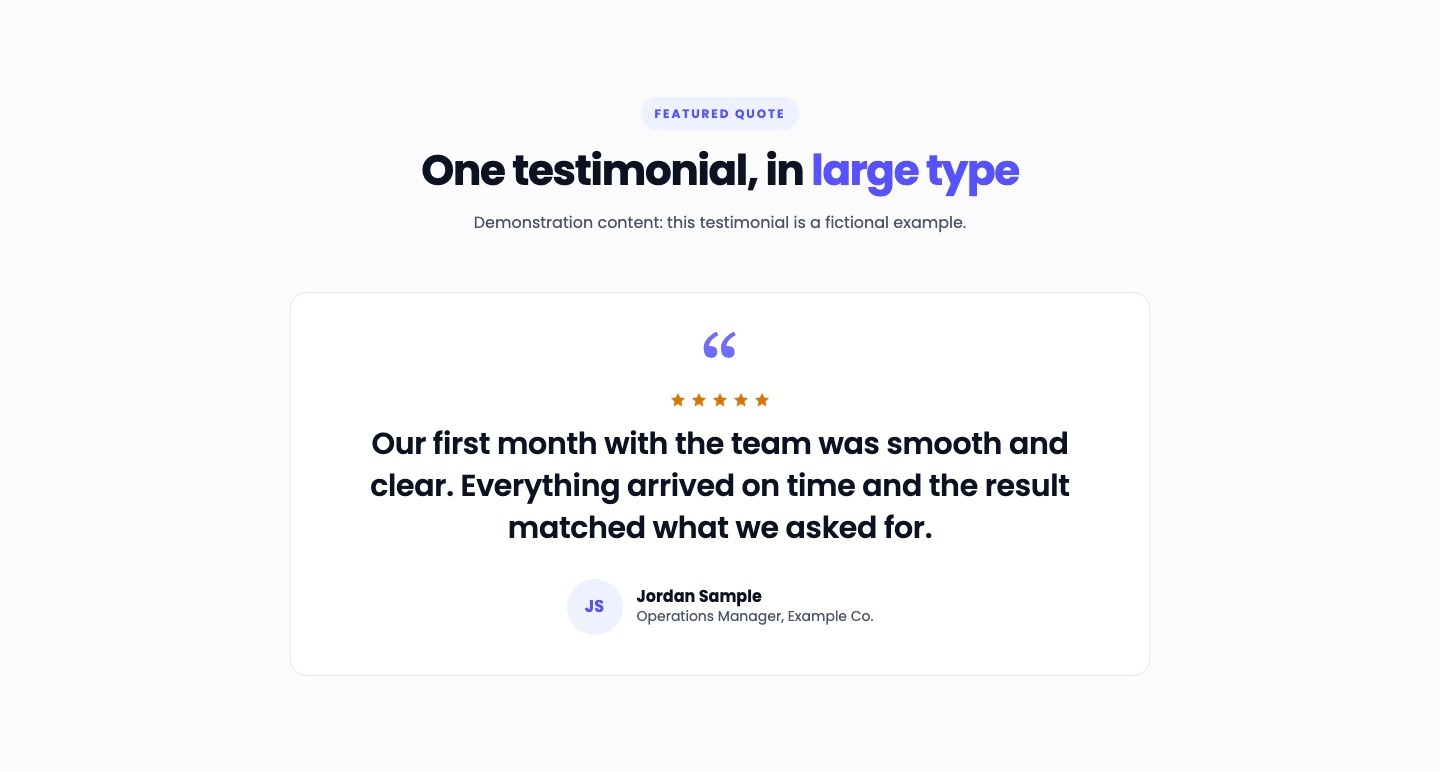
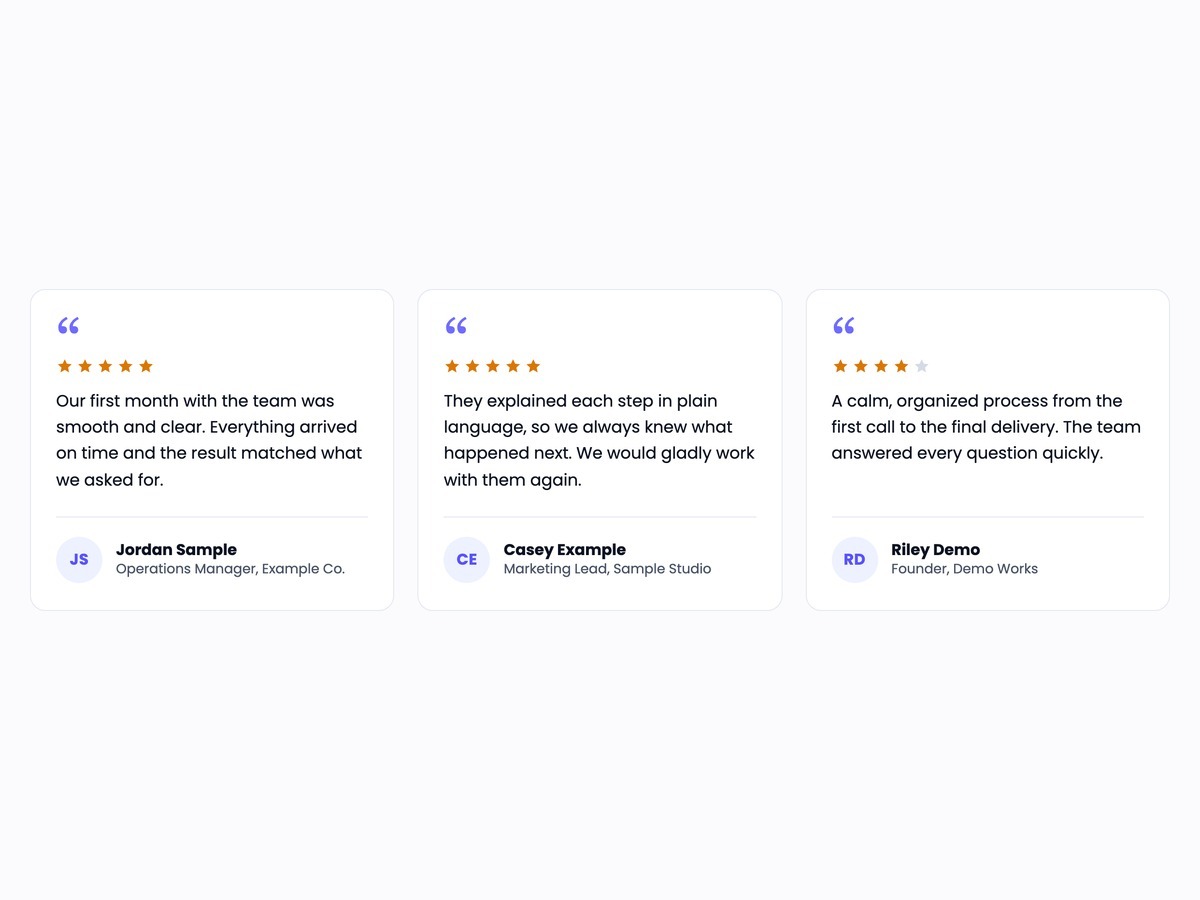
    Our first month with the team was smooth and clear. Everything arrived on time and the result matched what we asked for.

    Jordan Sample Operations Manager, Example Co.
  • Rated 5 out of 5

    They explained each step in plain language, so we always knew what happened next. We would gladly work with them again.

    Casey Example Marketing Lead, Sample Studio
  • Rated 4 out of 5

    A calm, organized process from the first call to the final delivery. The team answered every question quickly.

    Riley Demo Founder, Demo Works
On a dark background

Cards with a results bar

Demonstration content: fictional testimonials and example figures.

  • Rated 5 out of 5

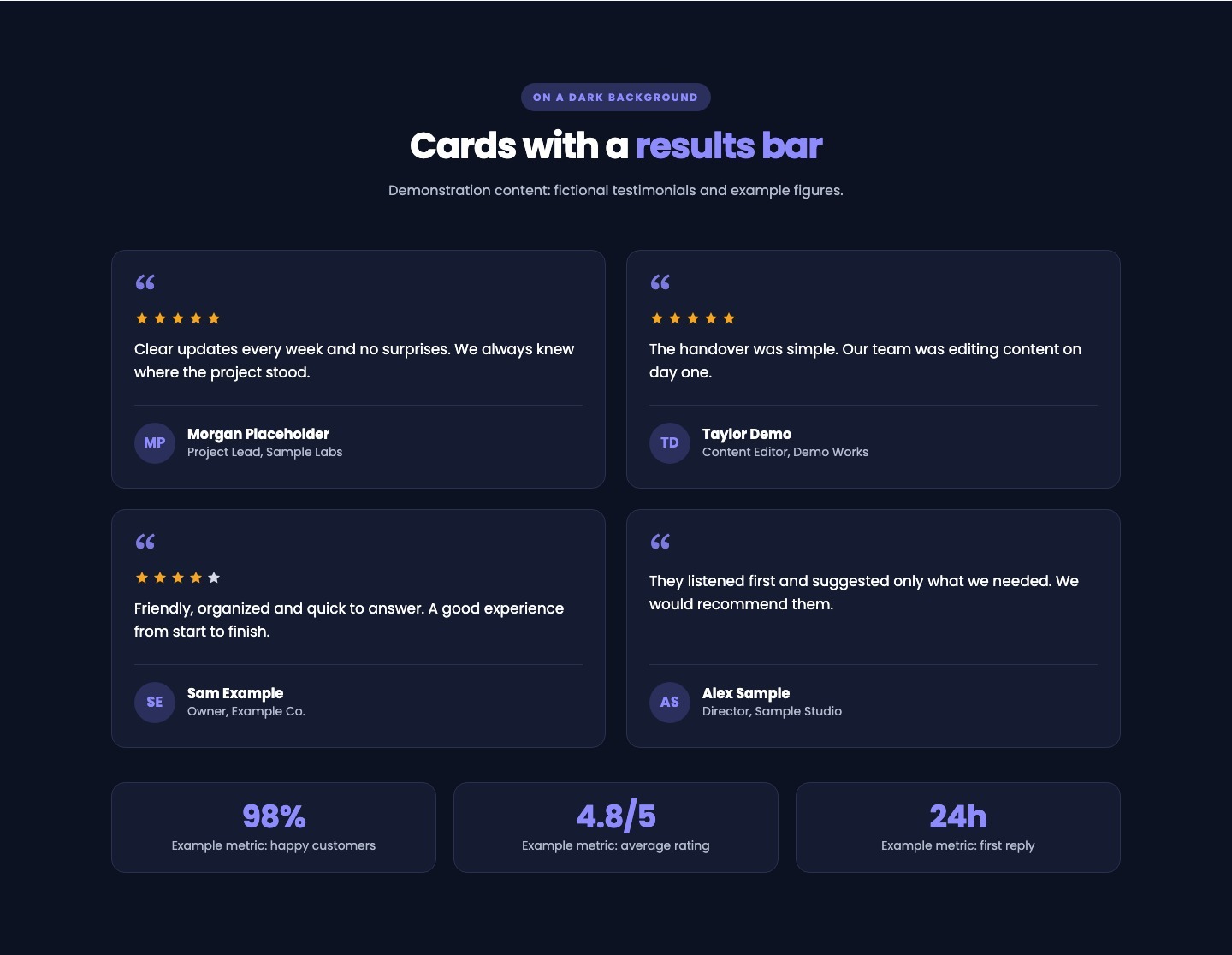
    Clear updates every week and no surprises. We always knew where the project stood.

    Morgan Placeholder Project Lead, Sample Labs
  • Rated 5 out of 5

    The handover was simple. Our team was editing content on day one.

    Taylor Demo Content Editor, Demo Works
  • Rated 4 out of 5

    Friendly, organized and quick to answer. A good experience from start to finish.

    Sam Example Owner, Example Co.
  • They listened first and suggested only what we needed. We would recommend them.

    Alex Sample Director, Sample Studio
  • 98%Example metric: happy customers
  • 4.8/5Example metric: average rating
  • 24hExample metric: first reply

Six testimonials, plain style

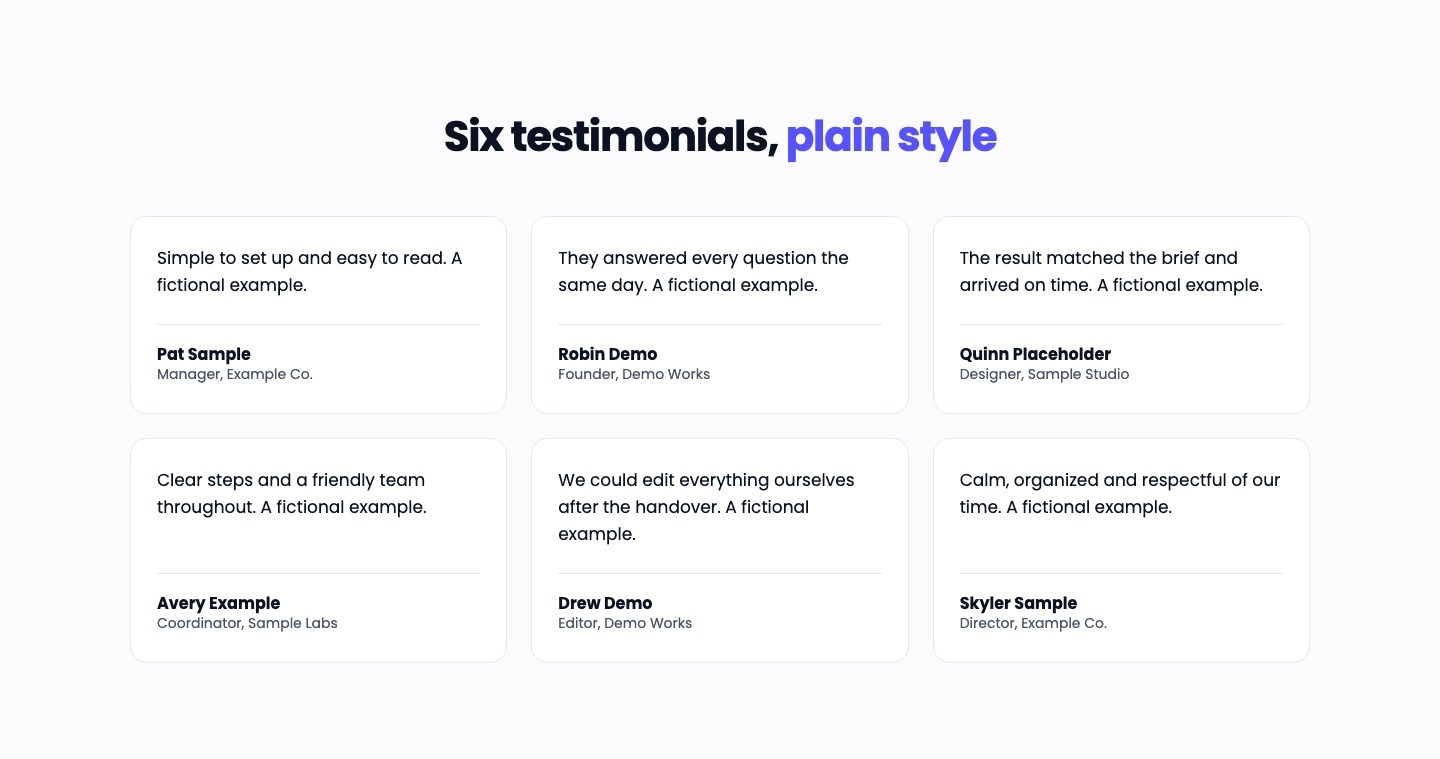
  • Simple to set up and easy to read. A fictional example.

    Pat Sample Manager, Example Co.
  • They answered every question the same day. A fictional example.

    Robin Demo Founder, Demo Works
  • The result matched the brief and arrived on time. A fictional example.

    Quinn Placeholder Designer, Sample Studio
  • Clear steps and a friendly team throughout. A fictional example.

    Avery Example Coordinator, Sample Labs
  • We could edit everything ourselves after the handover. A fictional example.

    Drew Demo Editor, Demo Works
  • Calm, organized and respectful of our time. A fictional example.

    Skyler Sample Director, Example Co.

Features

Three testimonial cards in a row, each with a quotation mark, stars, the testimonial, the person's initials, name, job title and company.

Testimonial Cards

Show up to twelve testimonials in a grid of two or three columns. Cards in a row have the same height, with the author at the bottom of each card.

One large testimonial in a centered card with a quotation mark, five stars, the quote in large type and the author below.

Featured Quote

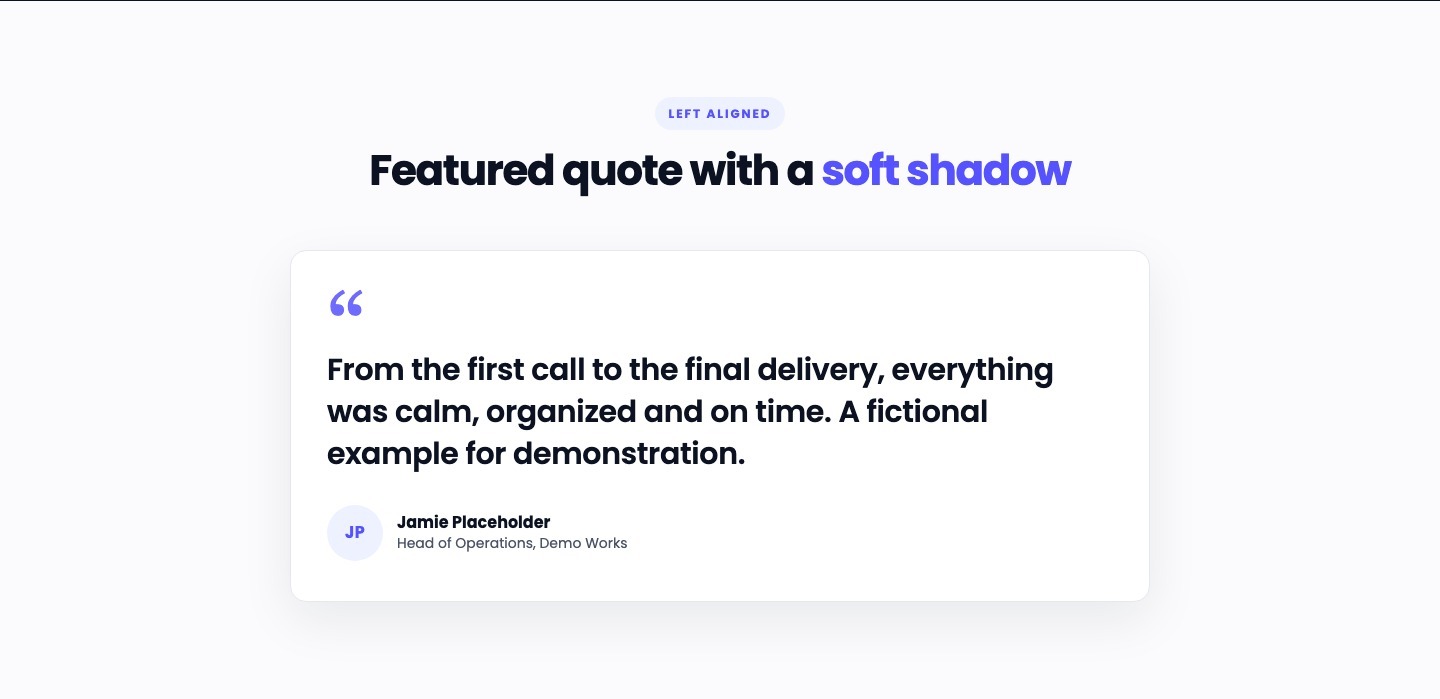
Give one testimonial the stage: large type in a readable column, centered or left aligned, with the author below. It shows the first testimonial of your list.
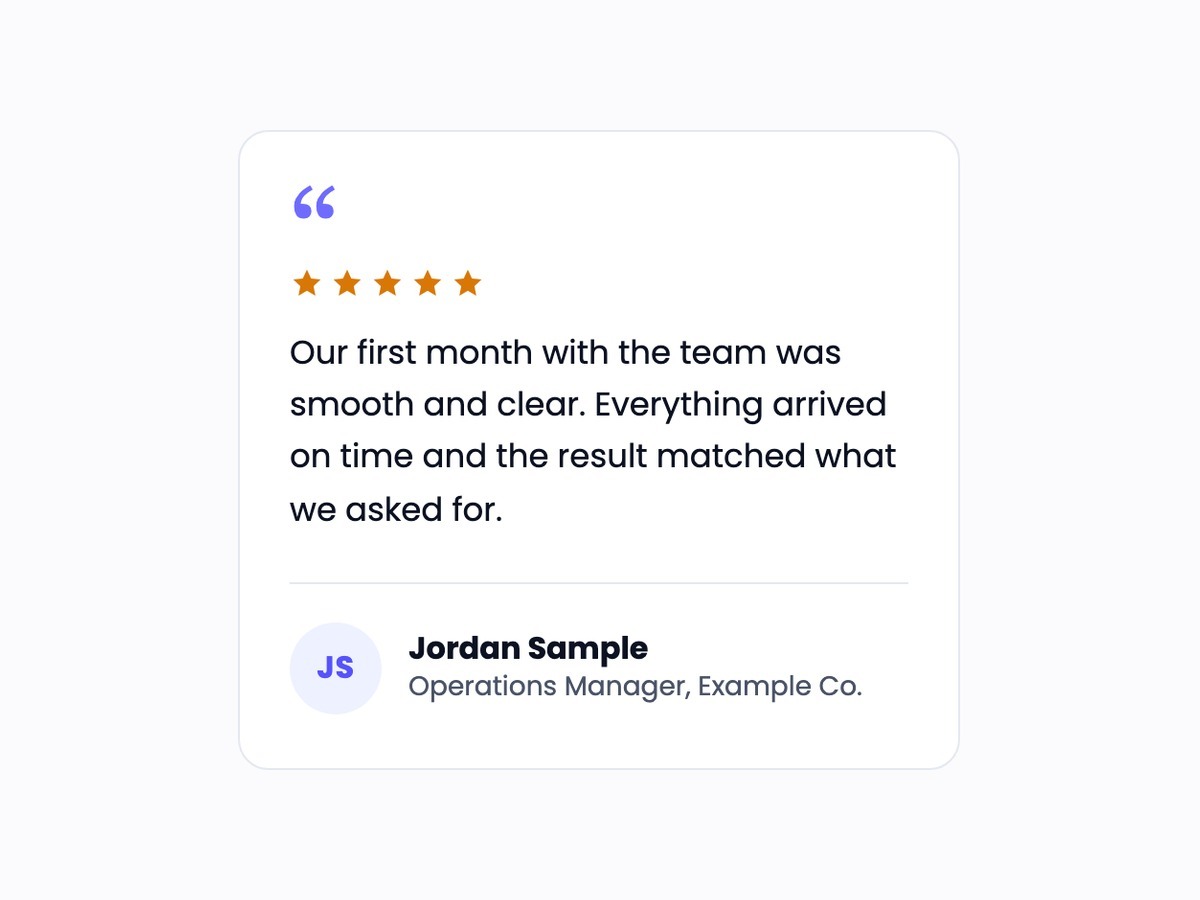
A single testimonial card with a quotation mark, five stars, the quote and an author block with initials, name and job title.

Photos, Initials and Stars

Add a photo or let the module draw the person's initials. Show a star rating only where the customer gave one. Each of these can be turned off.
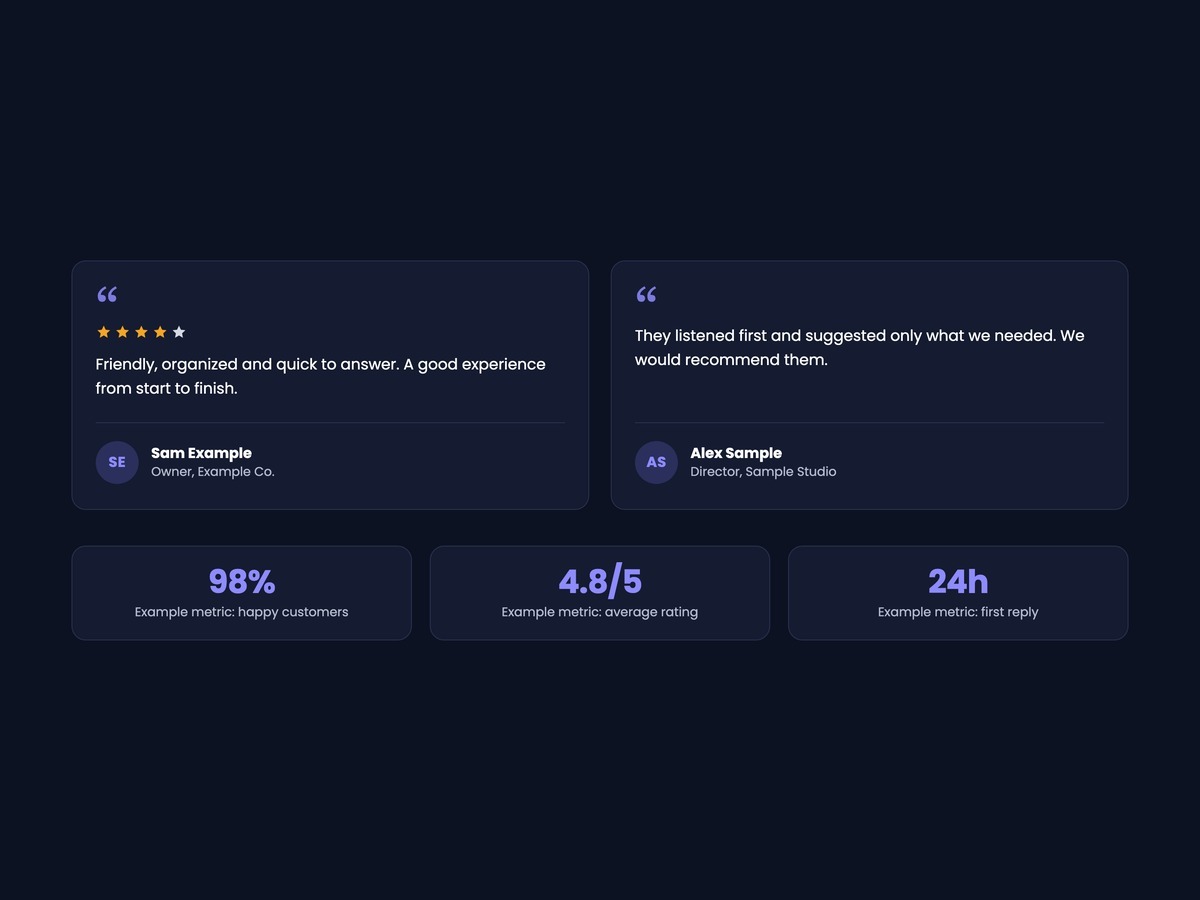
Two testimonial cards and a row of three example figures (98%, 4.8/5, 24h) on a dark background.

Optional Results Bar

Add a row of short figures under the testimonials, such as a rating or a response time. Only use figures you can back up.
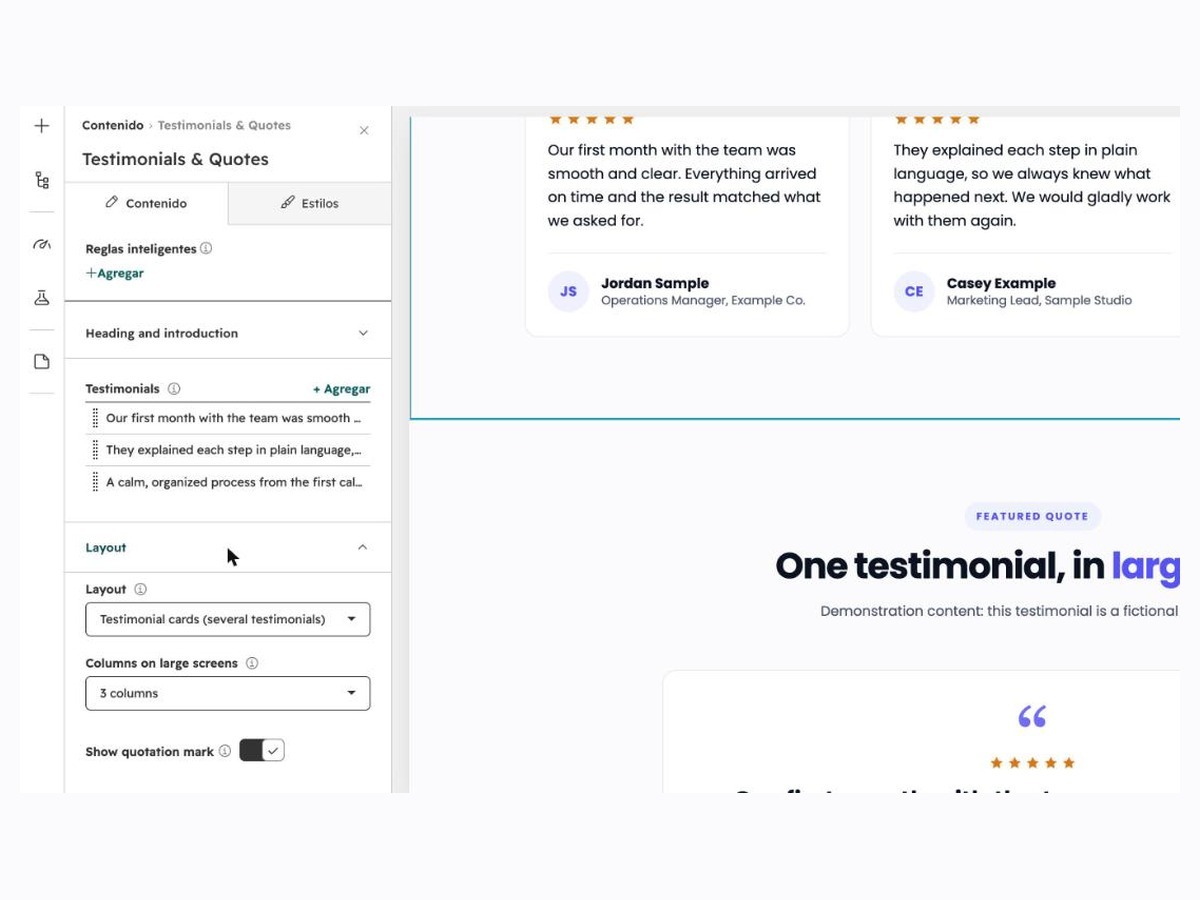
The HubSpot editor panel of the module with the list of testimonials and the Layout settings.

Editable and Responsive

Edit everything in the HubSpot editor. The grid goes from three columns to two to one, and the colors, fonts, spacing and corner radius follow your theme or your own choices.

Layouts and configurations

Real captures of the module running in HubSpot, with fictional sample content.
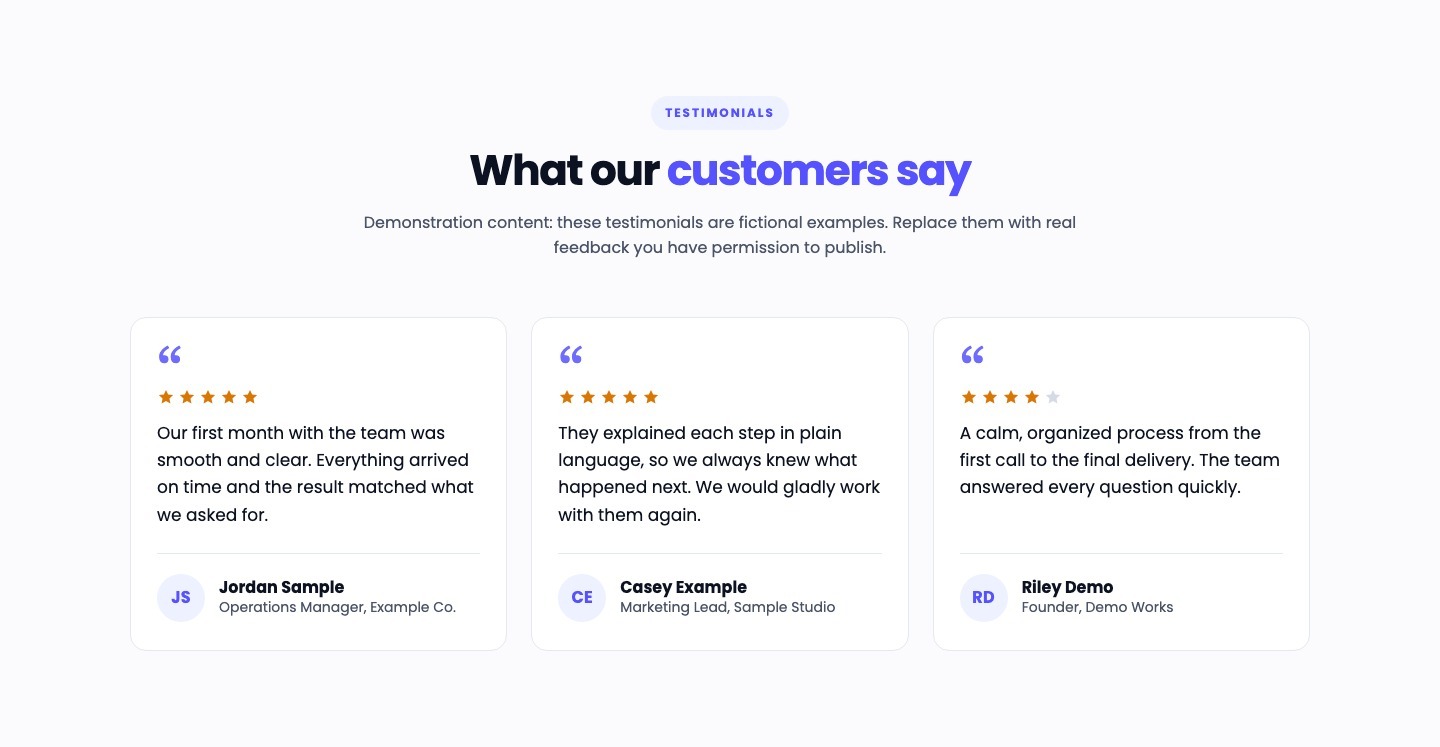
Three testimonial cards in a row under the heading What our customers say.
Testimonial cards: three columns with quotation mark, stars, initials, name, job title and company.

Responsive views

Captures of the same module at tablet and phone widths (Chrome device emulation, not physical devices).
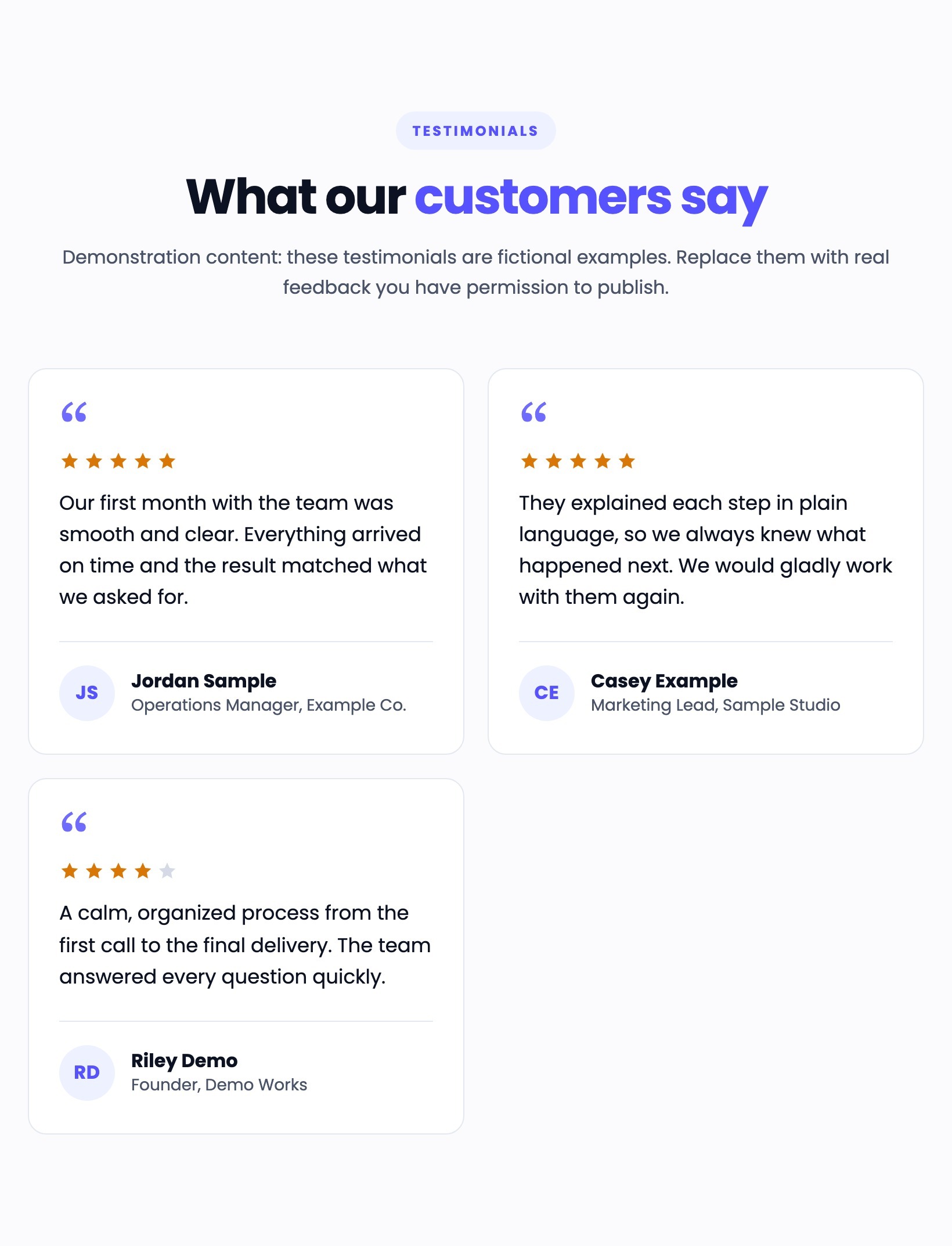
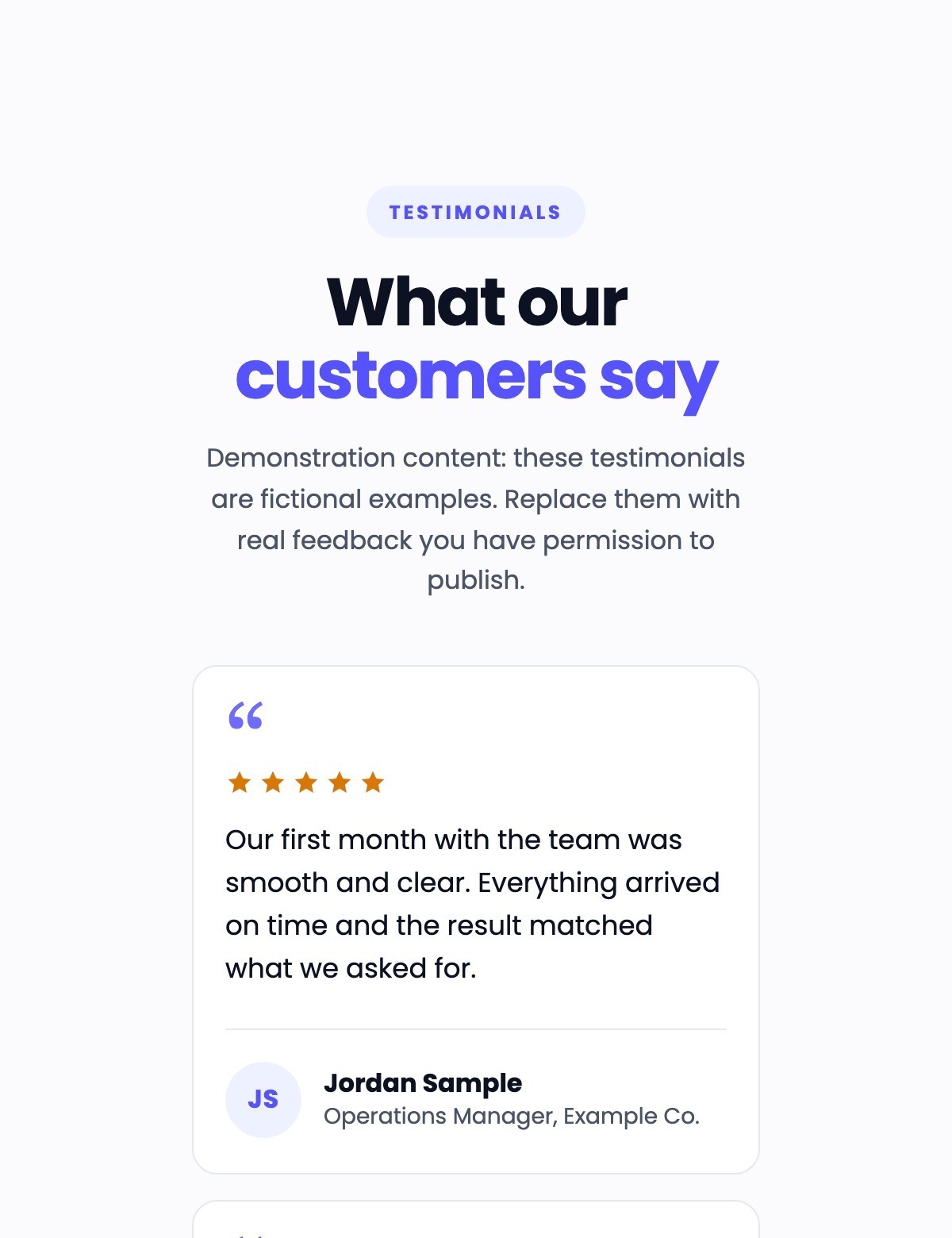
Testimonial cards at tablet width in two columns.
Tablet width (820 px): the cards use two columns.

Technical details

Compatibility

  • HubSpot CMS: site pages, landing pages and blog posts where custom modules can be added.
  • Tested in current Google Chrome (desktop and mobile emulation); other browsers were not part of the tests.

Requirements

  • A HubSpot account that can edit pages or templates.
  • No third-party account is needed.

Dependencies

  • None: no JavaScript, no external library and no network requests. Photos are optional and come from your own file manager.

Notable configuration

  • Layout: testimonial cards (two or three columns) or one featured quote (centered or left aligned).
  • 1 to 12 testimonials, each with a quote, a name, an optional job title and company, an optional photo and a star rating from none to five.
  • Quotation mark, star ratings, photo or initials and an optional results bar (1 to 6 figures) can be turned on or off.
  • Heading level, accent color (follows the theme primary color), fonts, colors, text sizes, spacing, corner radius and a soft card shadow.

Known limitations

  • The featured quote shows the first testimonial of the list only.
  • There is no carousel, no slider and no animation.
  • Testimonials are plain text and rich text: no video, links or logos inside a testimonial.
  • Star ratings are shown only as stars out of five.
  • A theme that forces its own rules with !important on lists, headings or text can override the module's styles.

Related documentation