Four layouts, one module
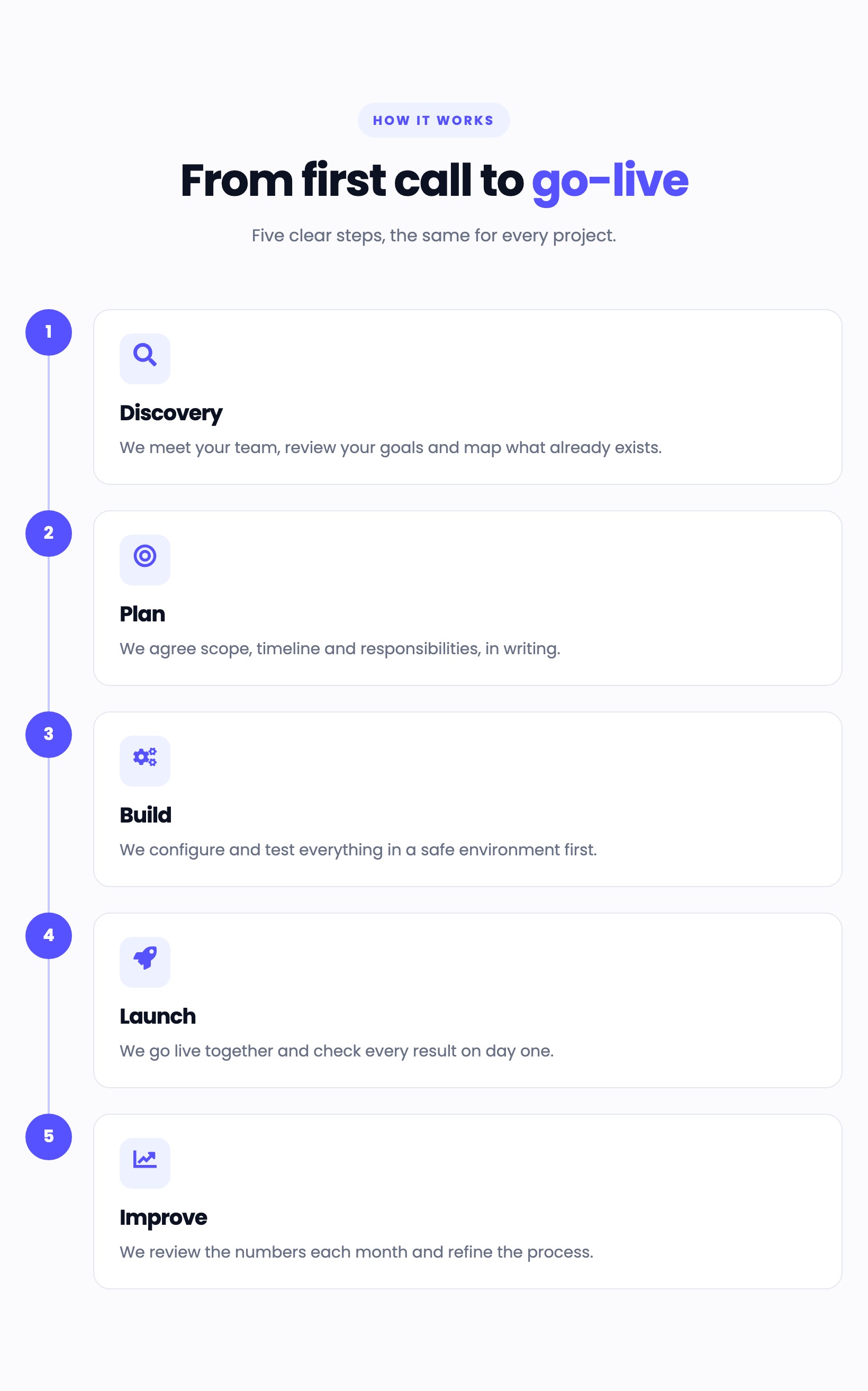
Horizontal timeline, vertical timeline, numbered cards or an alternating animated timeline. Switch between them with one setting.

Show how you work as a horizontal timeline, a vertical timeline, numbered cards or an alternating animated timeline. Easy to edit in the HubSpot editor, with icons, a connector line, gentle scroll motion and a layout that adapts to phones.
Horizontal timeline, vertical timeline, numbered cards or an alternating animated timeline. Switch between them with one setting.
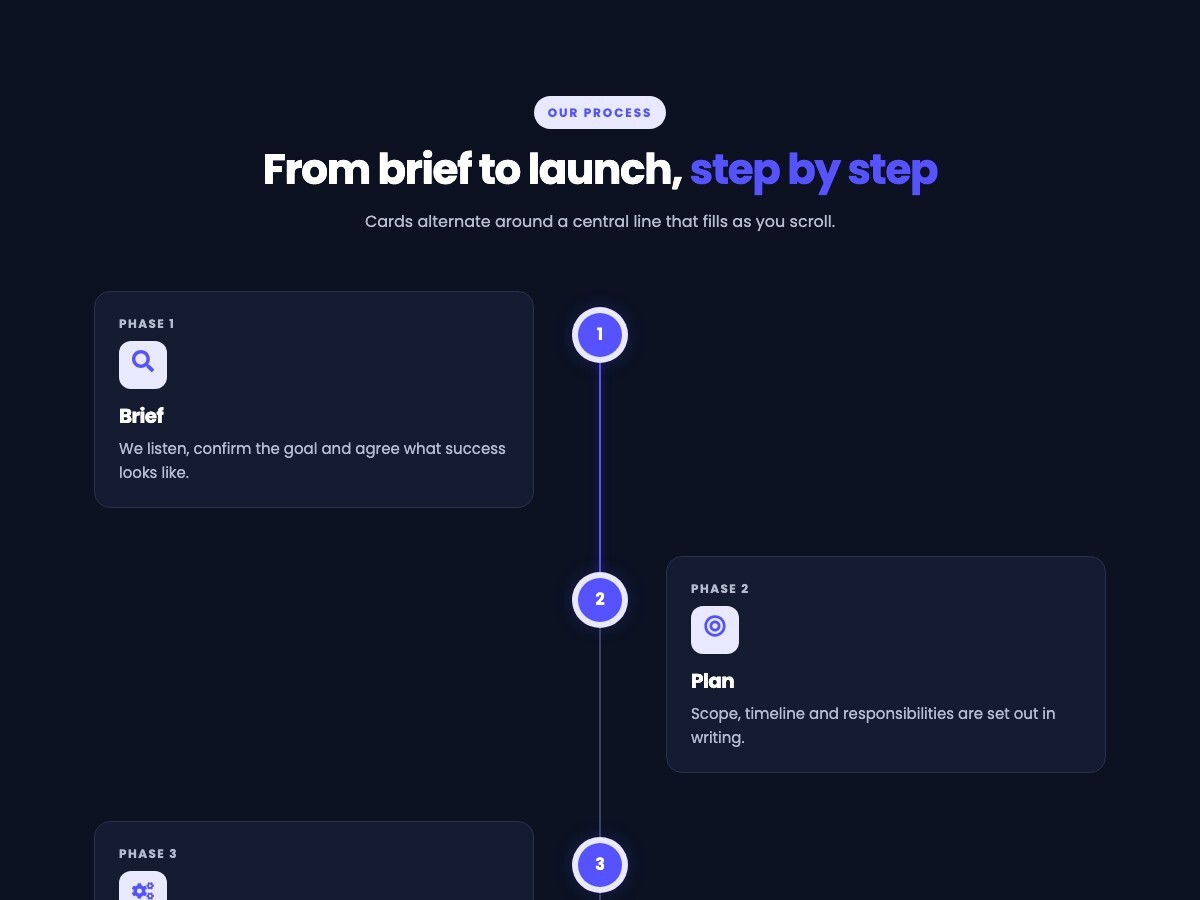
In the alternating layout the cards appear as they scroll into view and the line fills up to the reader. Turn it off, or choose a calmer fade, in two settings.
Each step has a title, a description and an icon. Add, remove and reorder steps from the HubSpot editor.
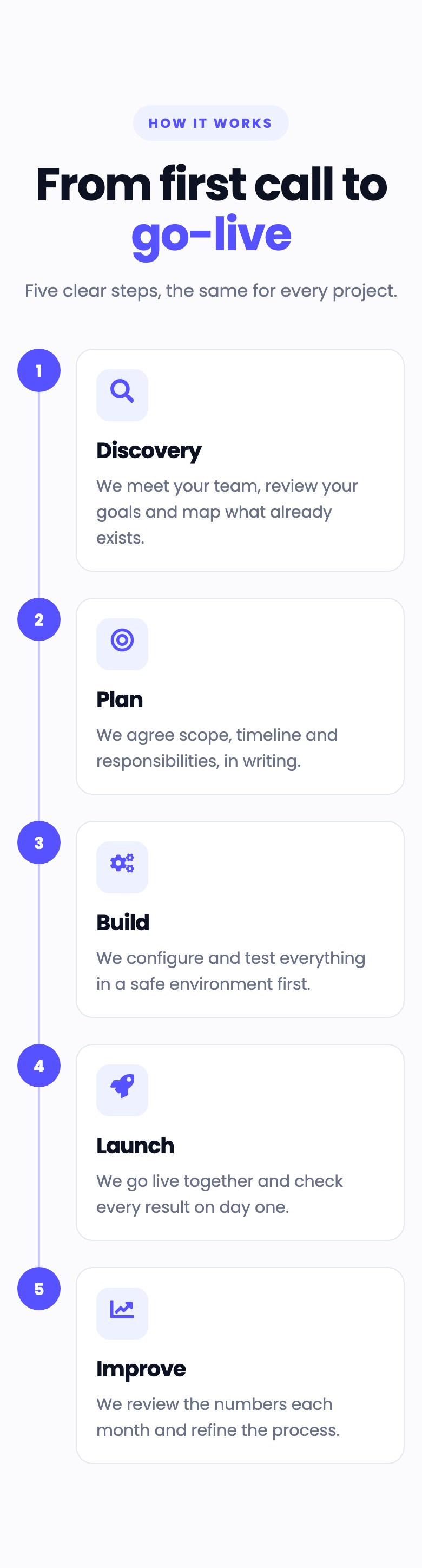
On tablets and phones the horizontal timeline becomes a vertical one and the alternating timeline a single column, so nothing scrolls sideways.
The accent color and the fonts follow your theme unless you change them. Colors, spacing and corner radius are in the Styles tab, so it works on light and dark designs.
Steps are an ordered list under a heading level you choose. Motion is switched off for visitors who ask their device for reduced motion, and all content stays visible without JavaScript.
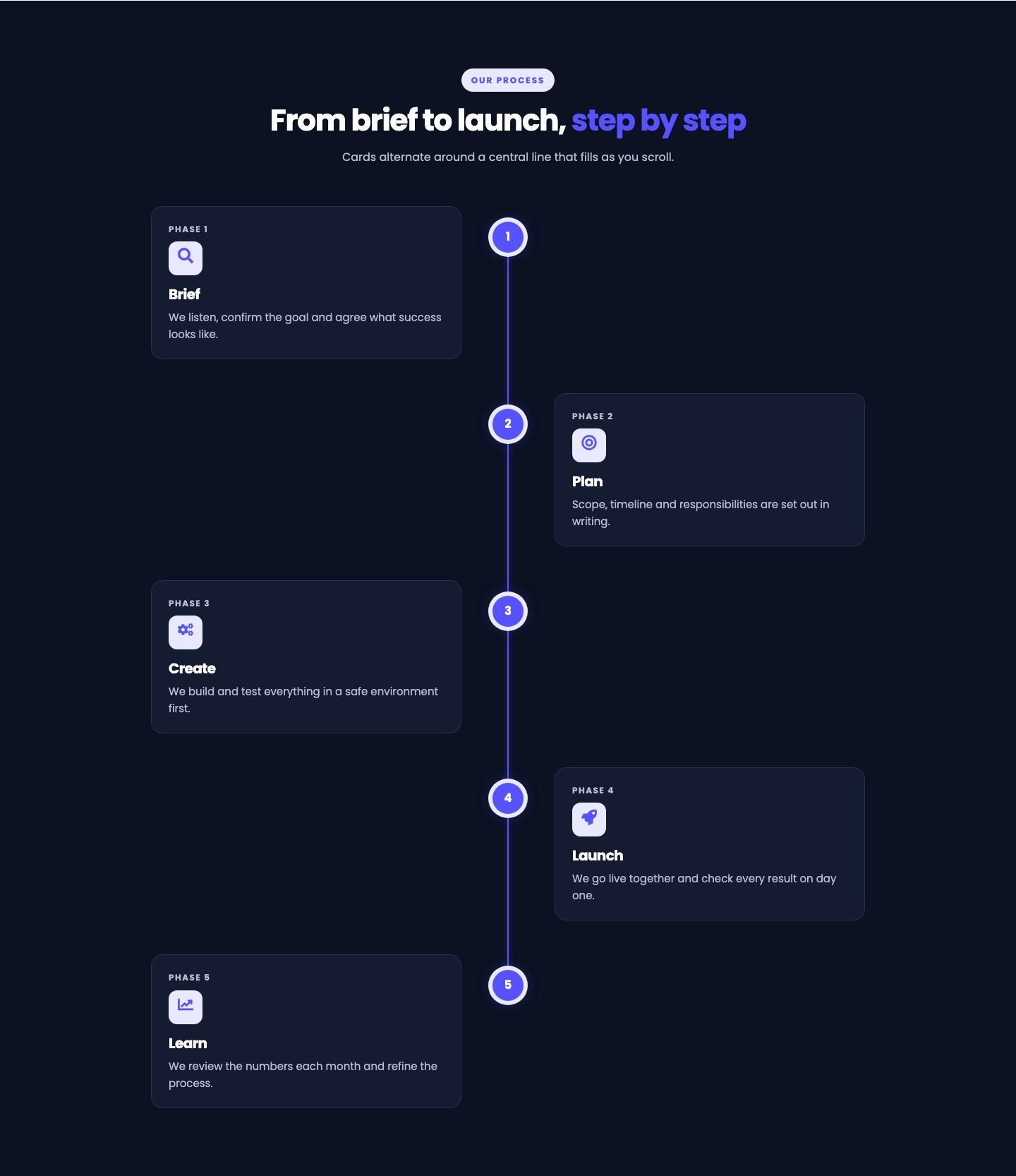
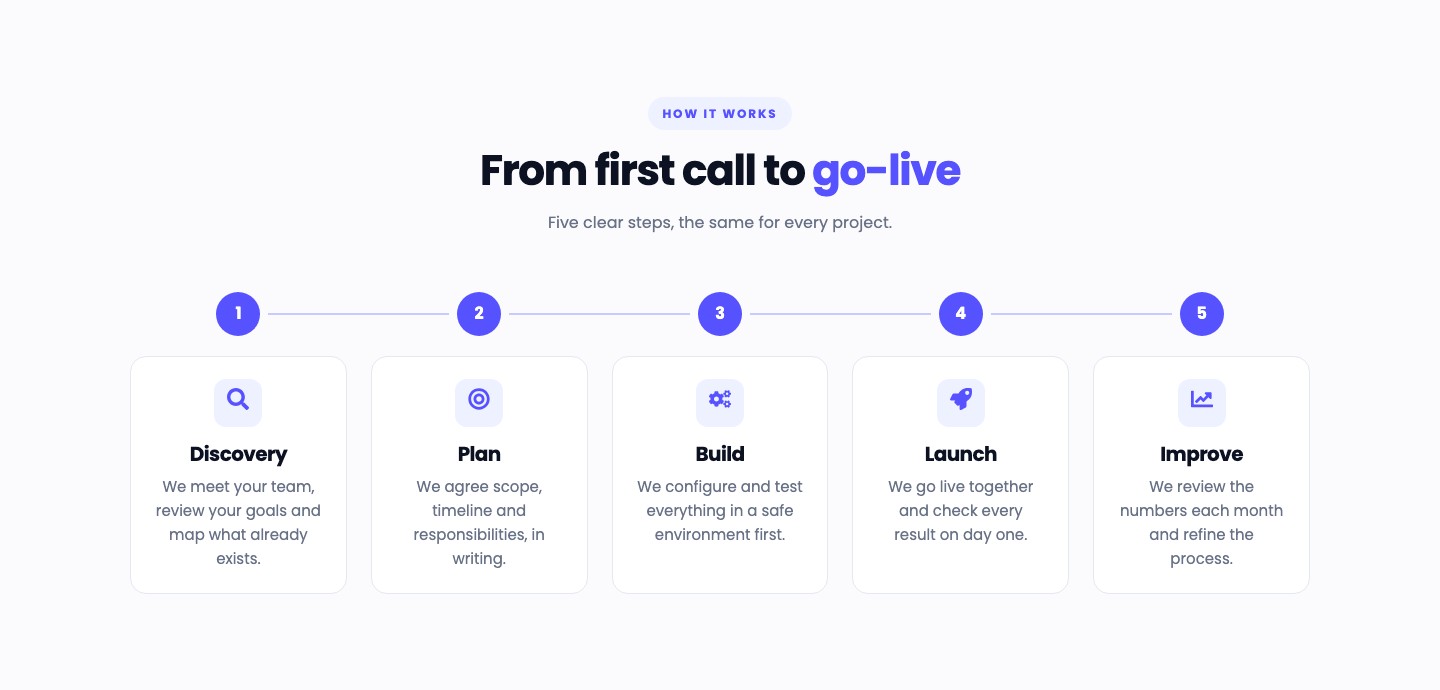
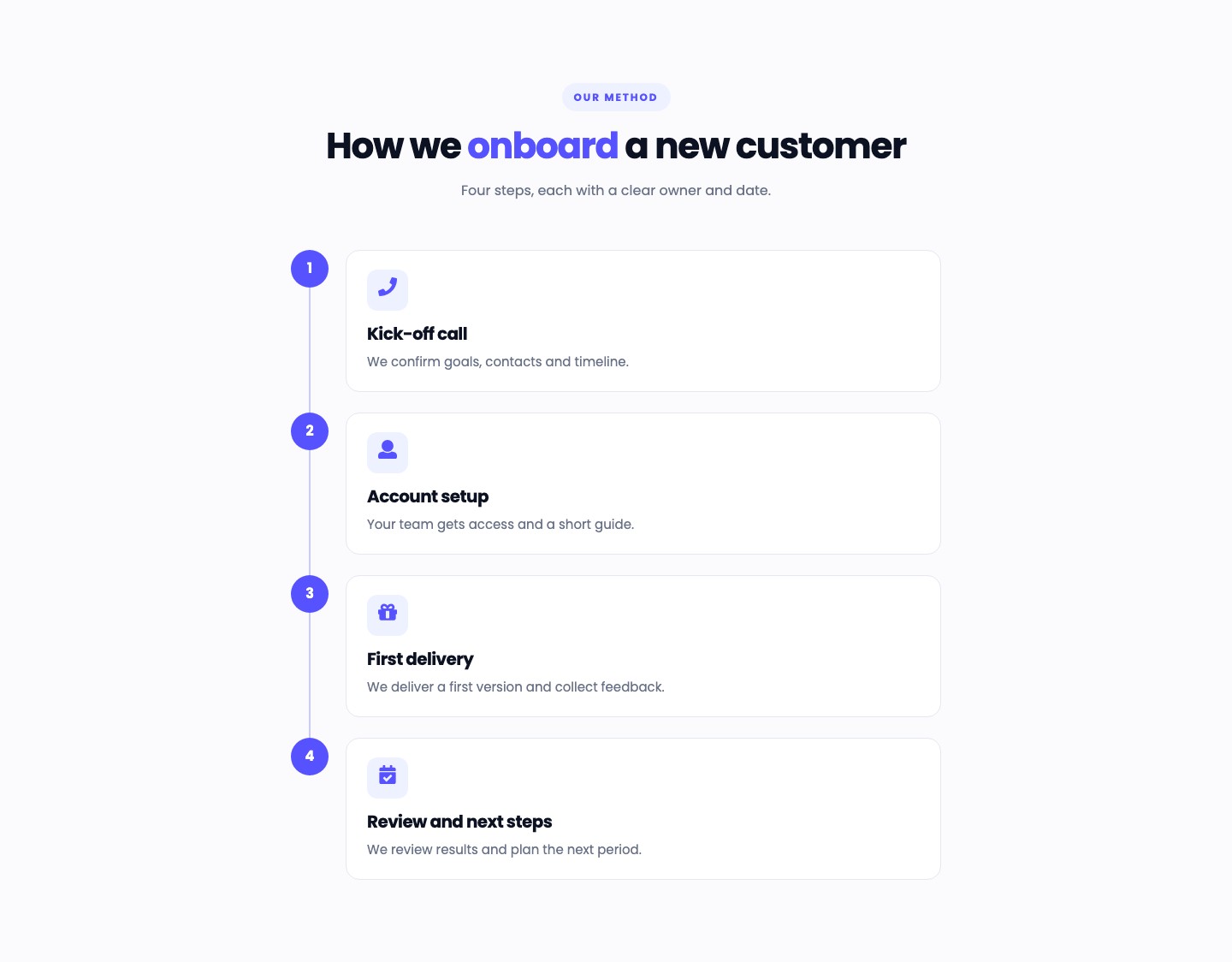
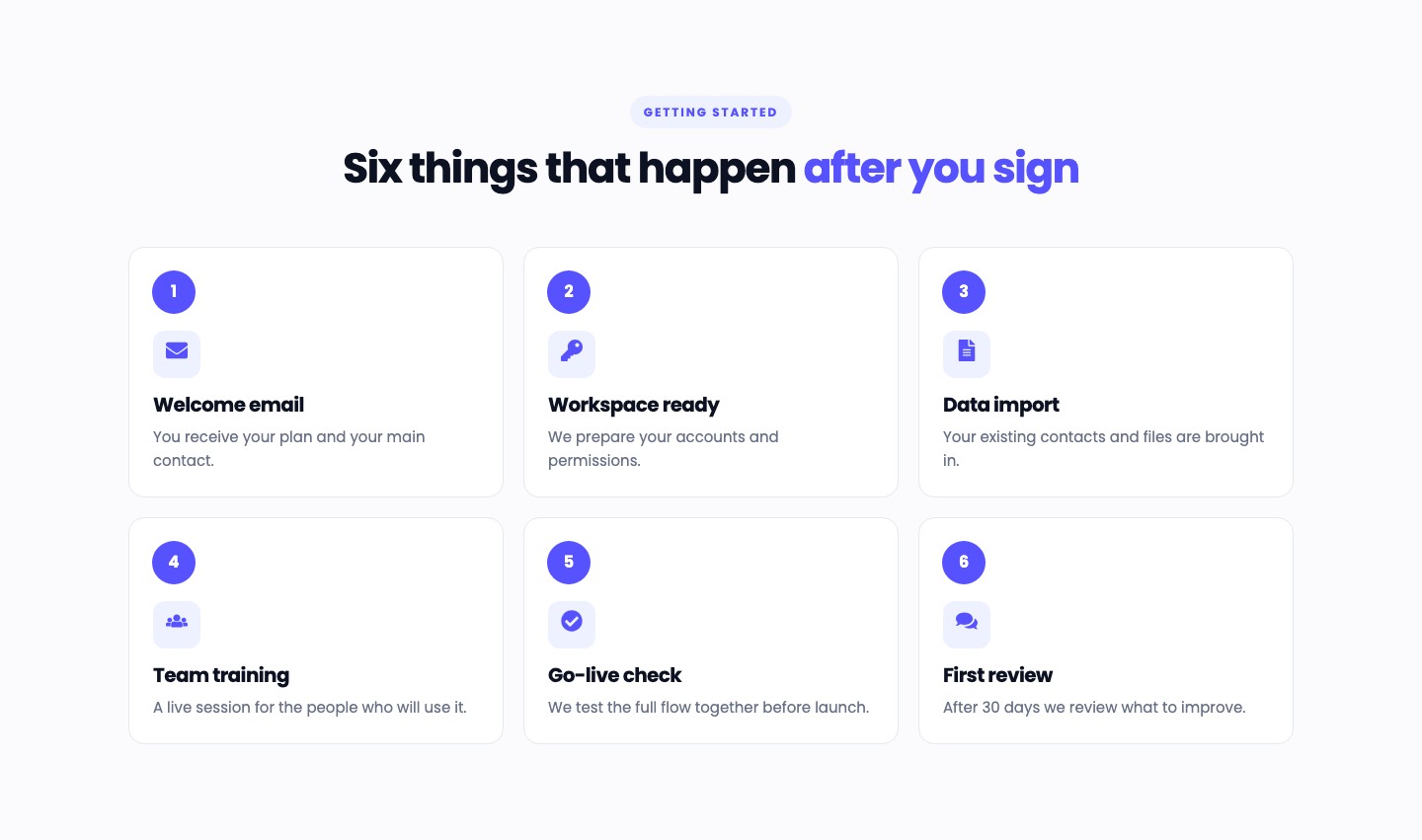
These are real instances of the module, rendered by HubSpot on this page, with sample content: the alternating animated timeline, the horizontal timeline, the vertical timeline and the numbered cards.
Cards alternate around a central line that fills as you scroll.
We listen, confirm the goal and agree what success looks like.
Scope, timeline and responsibilities are set out in writing.
We build and test everything in a safe environment first.
We go live together and check every result on day one.
We review the numbers each month and refine the process.
Five clear steps, the same for every project.
We meet your team, review your goals and map what already exists.
We agree scope, timeline and responsibilities, in writing.
We configure and test everything in a safe environment first.
We go live together and check every result on day one.
We review the numbers each month and refine the process.
Four steps, each with a clear owner and date.
We confirm goals, contacts and timeline.
Your team gets access and a short guide.
We deliver a first version and collect feedback.
We review results and plan the next period.
You receive your plan and your main contact.
We prepare your accounts and permissions.
Your existing contacts and files are brought in.
A live session for the people who will use it.
We test the full flow together before launch.
After 30 days we review what to improve.
Cards alternate left and right of a central line. They appear as they scroll into view and the line fills with a soft glow up to the reader. Choose a slide or a calmer fade, or turn the motion off. It stops by itself for visitors who ask for reduced motion.
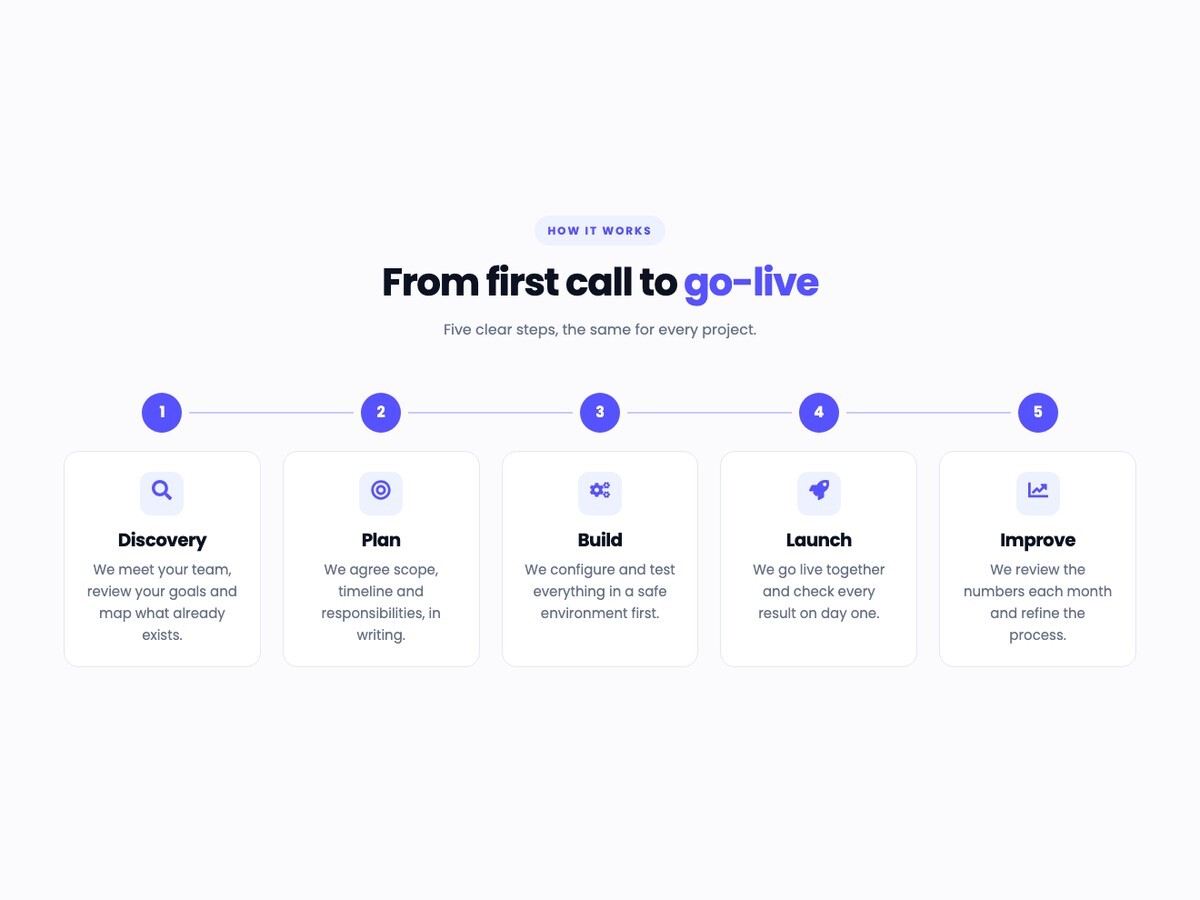
Show up to ten steps in a row, joined by a connector line. With more than five steps the timeline wraps into two tidy rows. Turn the connector and the icons on or off.
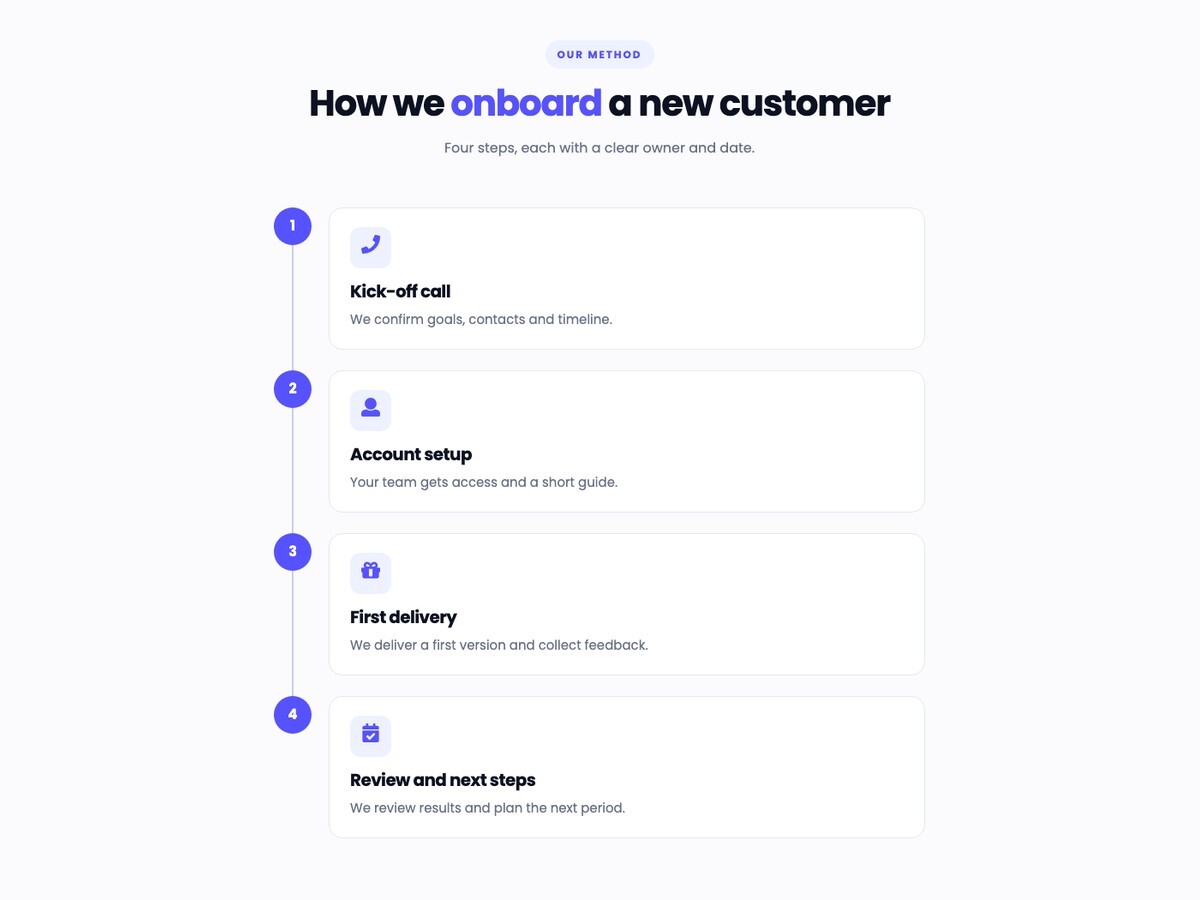
A readable column of steps joined by a line. A good fit for longer descriptions and for pages with a narrow content area.
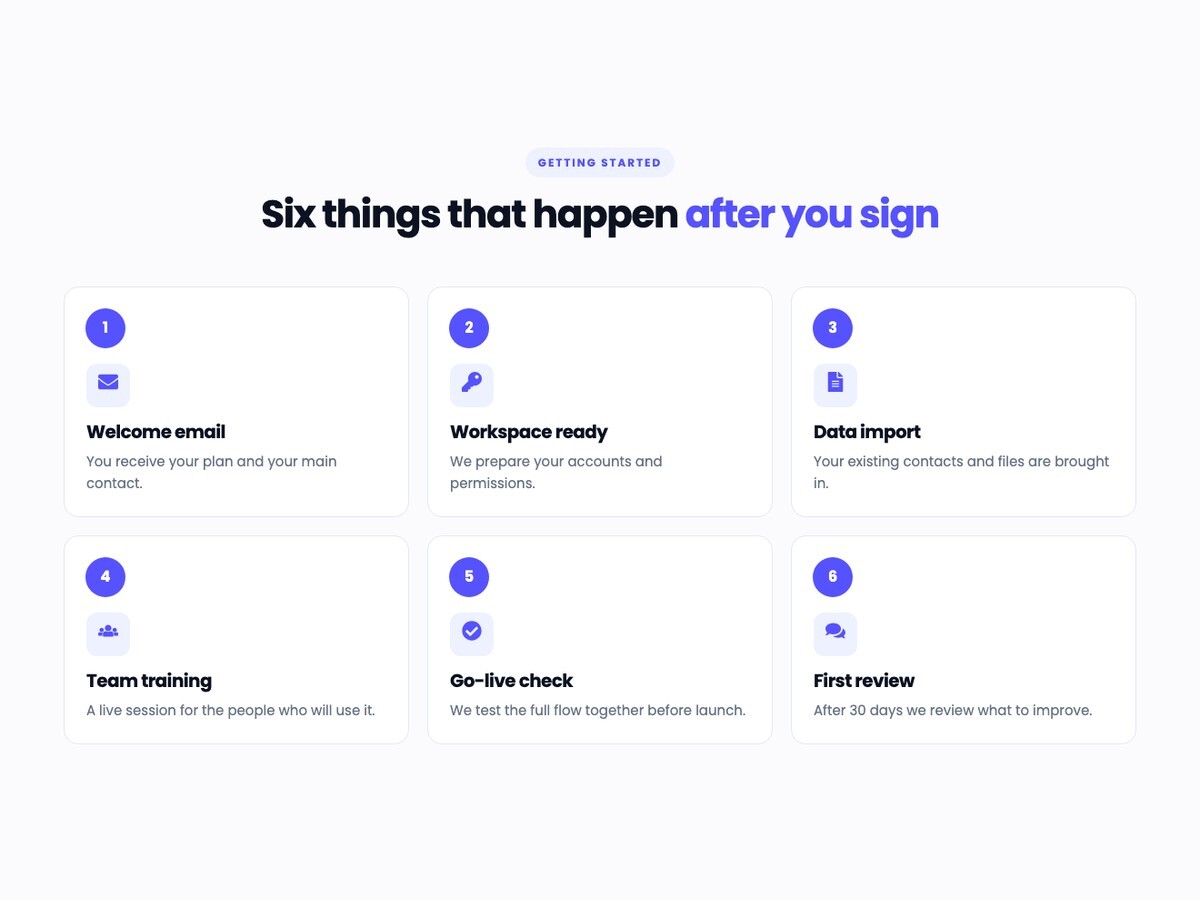
A grid of numbered cards for steps that do not need a connecting line. The columns adjust to the number of steps.
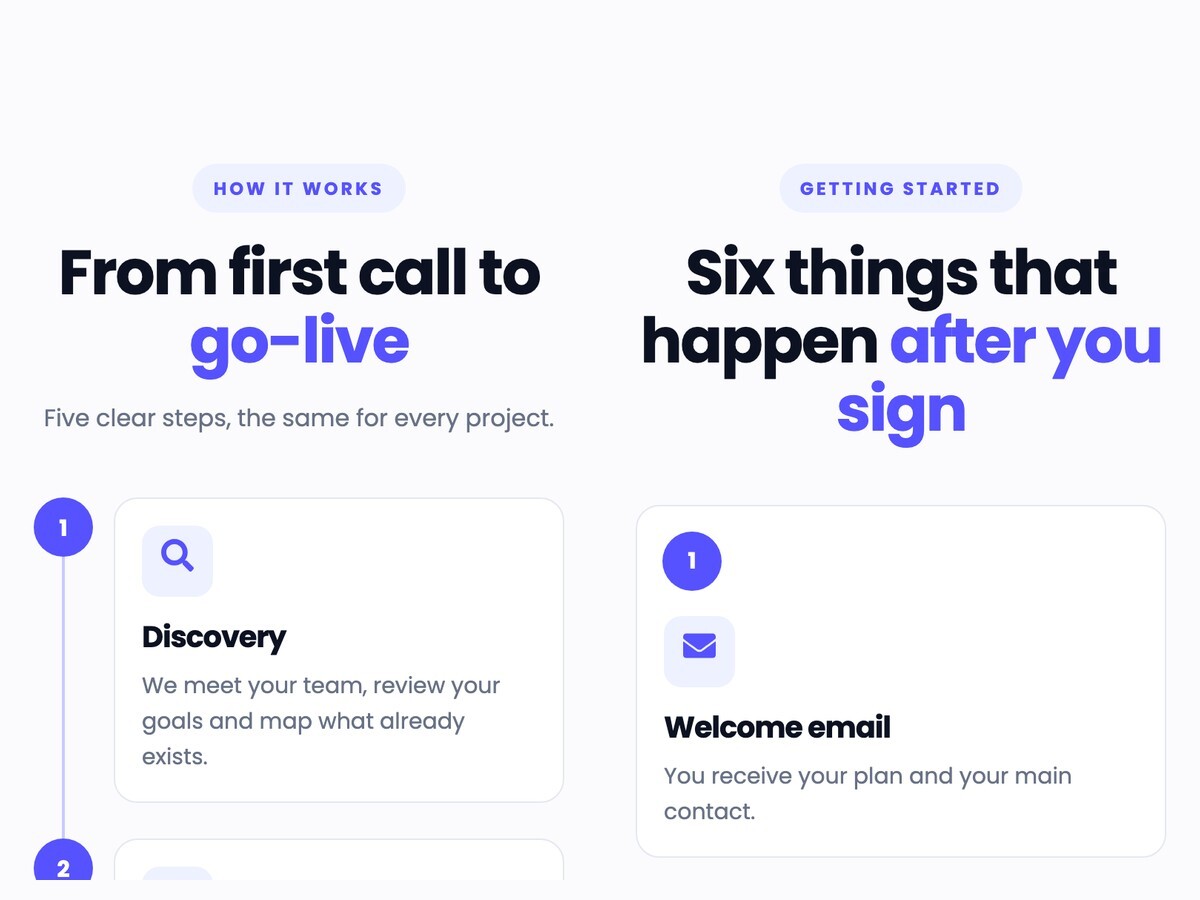
On tablets and phones the horizontal timeline becomes a vertical one, the alternating timeline a single column and the cards stack, so nothing scrolls sideways.
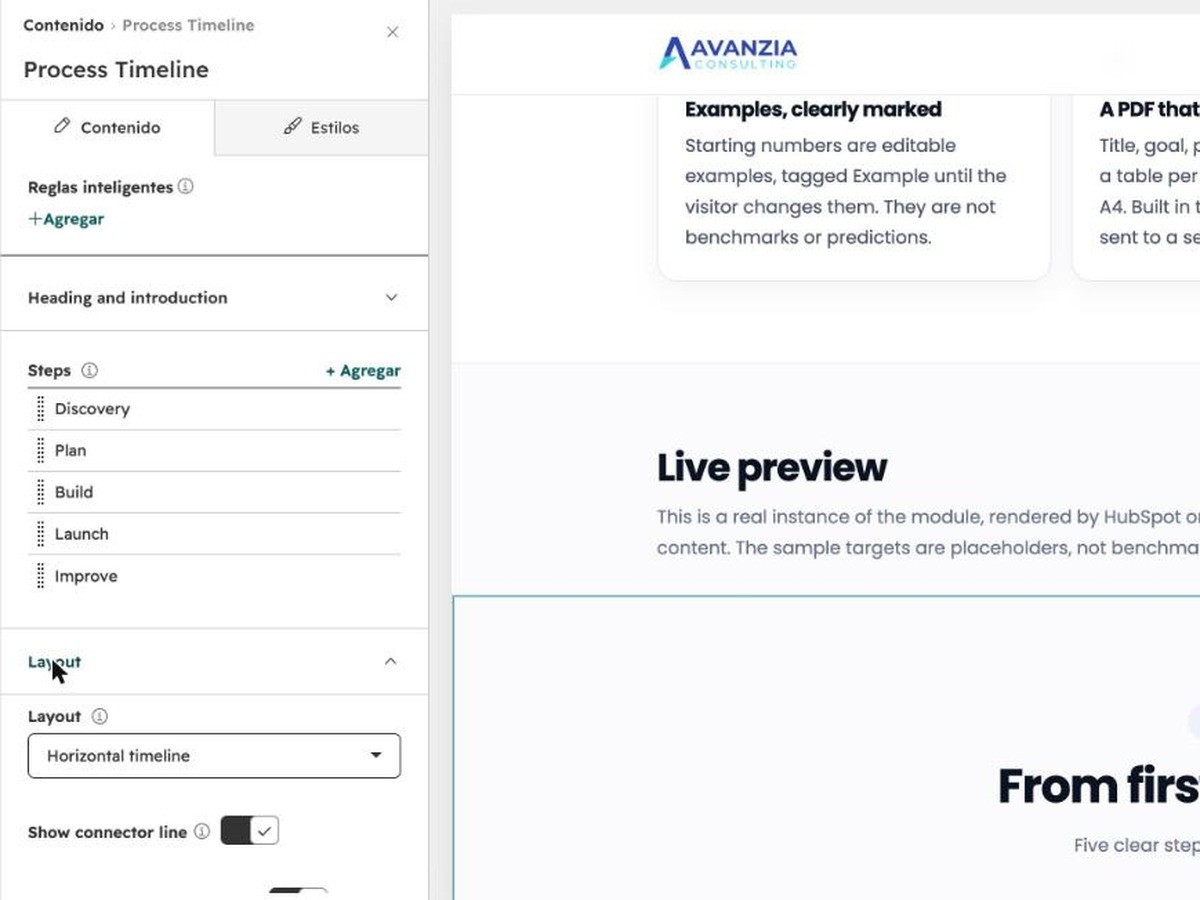
Edit each step's title, description and icon in the editor. Add, remove and reorder steps, change the layout and the motion, and set colors, fonts and spacing, without code.
Real captures of the module running in HubSpot, with its sample content.
Captures of the same module at tablet and phone widths (Chrome device emulation, not physical devices).