<img height="1" width="1" style="display:none" src="https://www.facebook.com/tr?id=1375001637486124&amp;ev=PageView&amp;noscript=1"> Skip to content
Avanzia Consulting
HubSpot CMS module

Comparison Table Pro

Easy to edit. Built for meaningful comparisons. Build and maintain plan and feature comparisons from the HubSpot editor, without needing a developer every time your plans or features change.

By Avanzia Consulting SRLUS$29 · one-time purchase

Why use it

Flexible plans and columns

Add, remove and reorder up to 8 plan columns from the HubSpot editor. Highlight the one you want visitors to notice.

Organized by category

Group features into categories that visitors can collapse and expand, with a check, cross, dash or any text in each cell.

Intuitive interaction

Collapsible categories, row help text and a monthly / annual switch that work with the mouse and the keyboard.

Monthly and annual control

Show different prices and button links for each period. A button appears only when it has a link.

Visual customization

Fonts, colors, borders, spacing, buttons, badge and icons are set from the Styles tab, without code.

Made for mobile

On small screens the table scrolls sideways inside its own area, with a visible hint.

Live preview

This is a real instance of the module, rendered by HubSpot on this page, with sample content.

Plans

Compare plans at a glance

See what is included in each sample plan. Replace this text, the columns and the rows with your own content.

Swipe sideways to see all columns

Plan comparison table
Feature
Starter Example: $19 / month Example: $190 / year
Professional (Most popular) Example: $49 / month Example: $490 / year
Business Example: $99 / month Example: $990 / year
Projects 3 25 Unlimited
Team members 1 5 25
Custom branding
Template library
Shared workspaces
Comments and mentions
Activity history 7 days 30 days 1 year
Help center
Email support
Onboarding session — —

All plans, prices and features shown are sample content. Replace them with your own.

Features

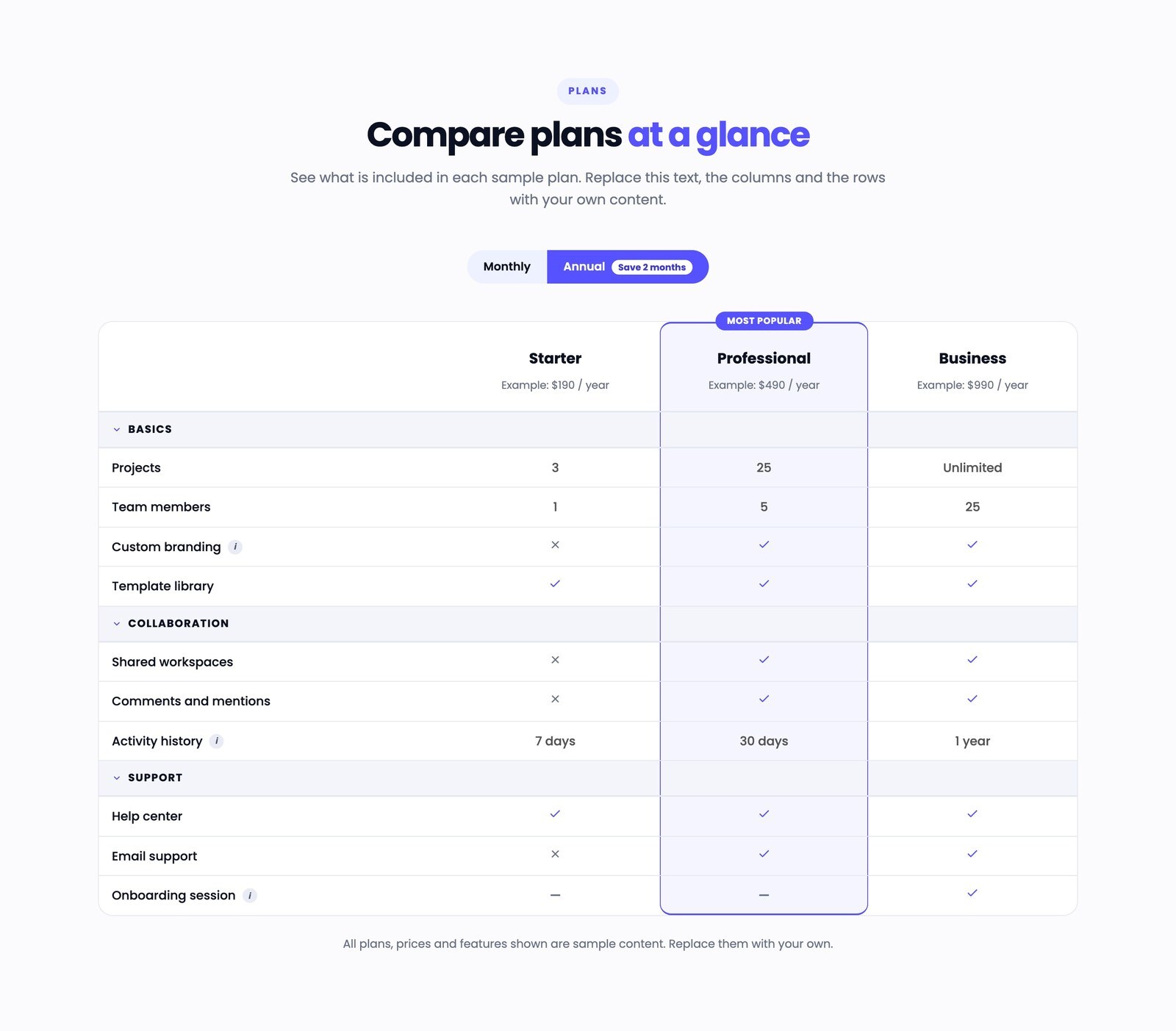
Header of the comparison table with the monthly / annual toggle, three plan columns with subtitles, and the first rows.

Editable Plan Columns

Add, remove and reorder up to 8 plan columns. Each has a name, a subtitle, monthly and annual prices, and an optional button with its own monthly and annual link. A button appears only when it has a link. No code needed.
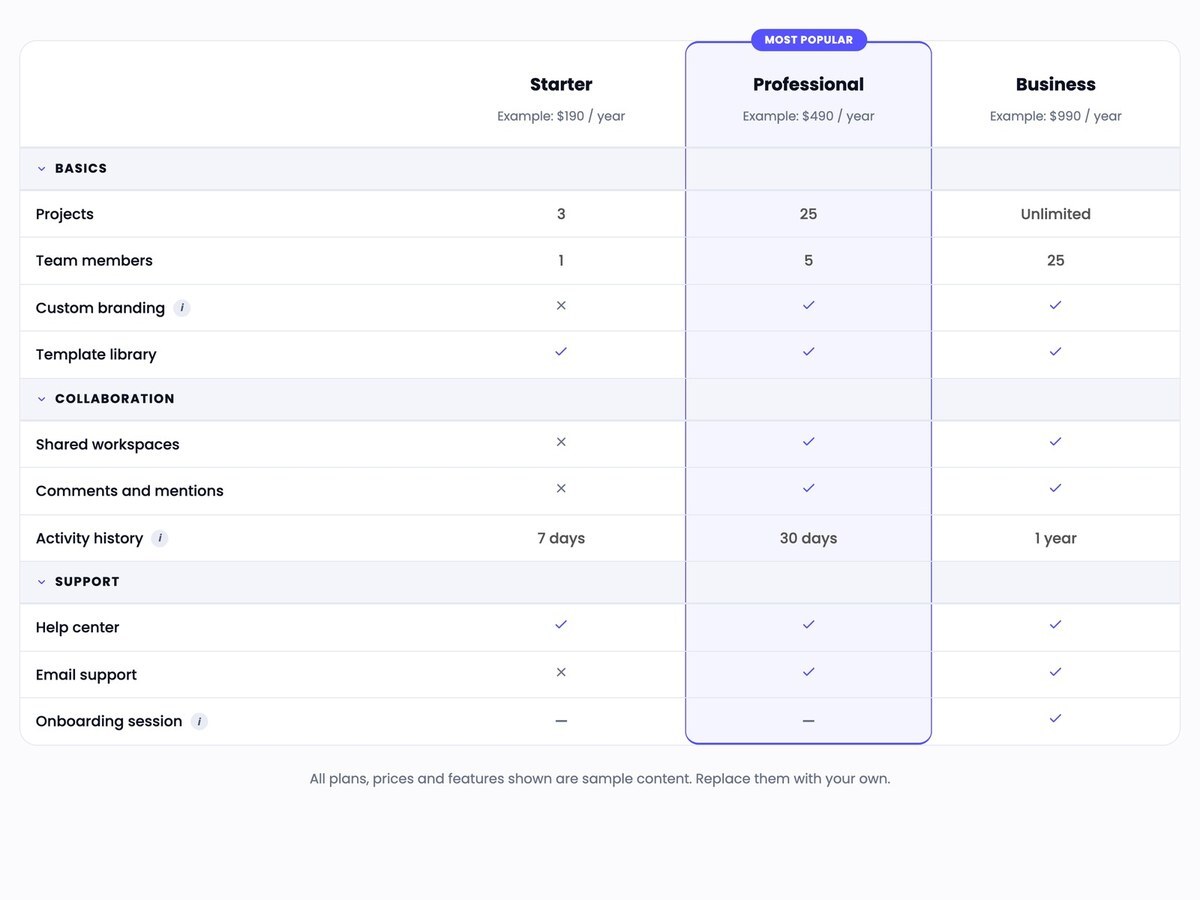
Annual prices shown, with the Professional column highlighted by a colored background, a border and a Most popular badge.

Highlighted Column with Badge

Make one or more columns stand out with a colored background and border, plus an optional badge such as Most popular. Choose the badge text and its colors.
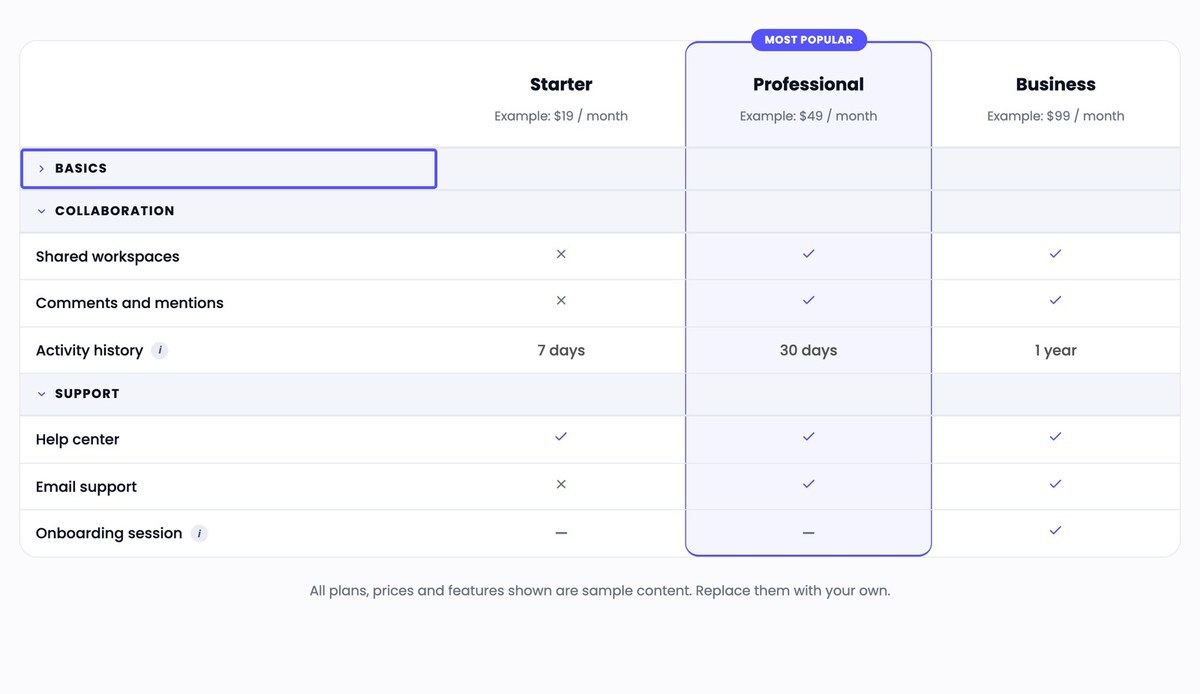
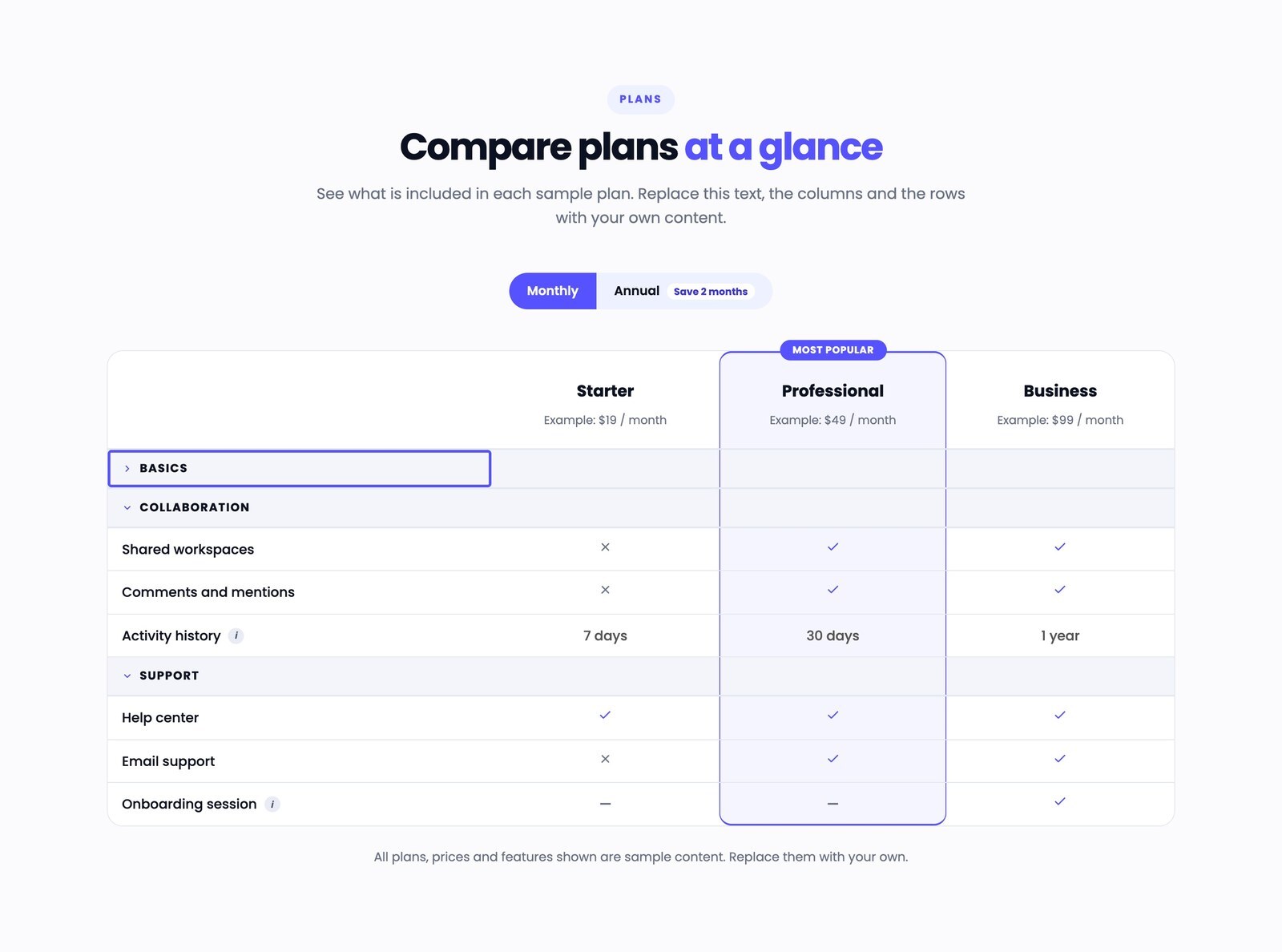
The first category collapsed with a visible keyboard focus outline, the other two categories open.

Collapsible Categories

Group rows into categories that visitors can open and close with the mouse or the keyboard. Each category can have its own icon.
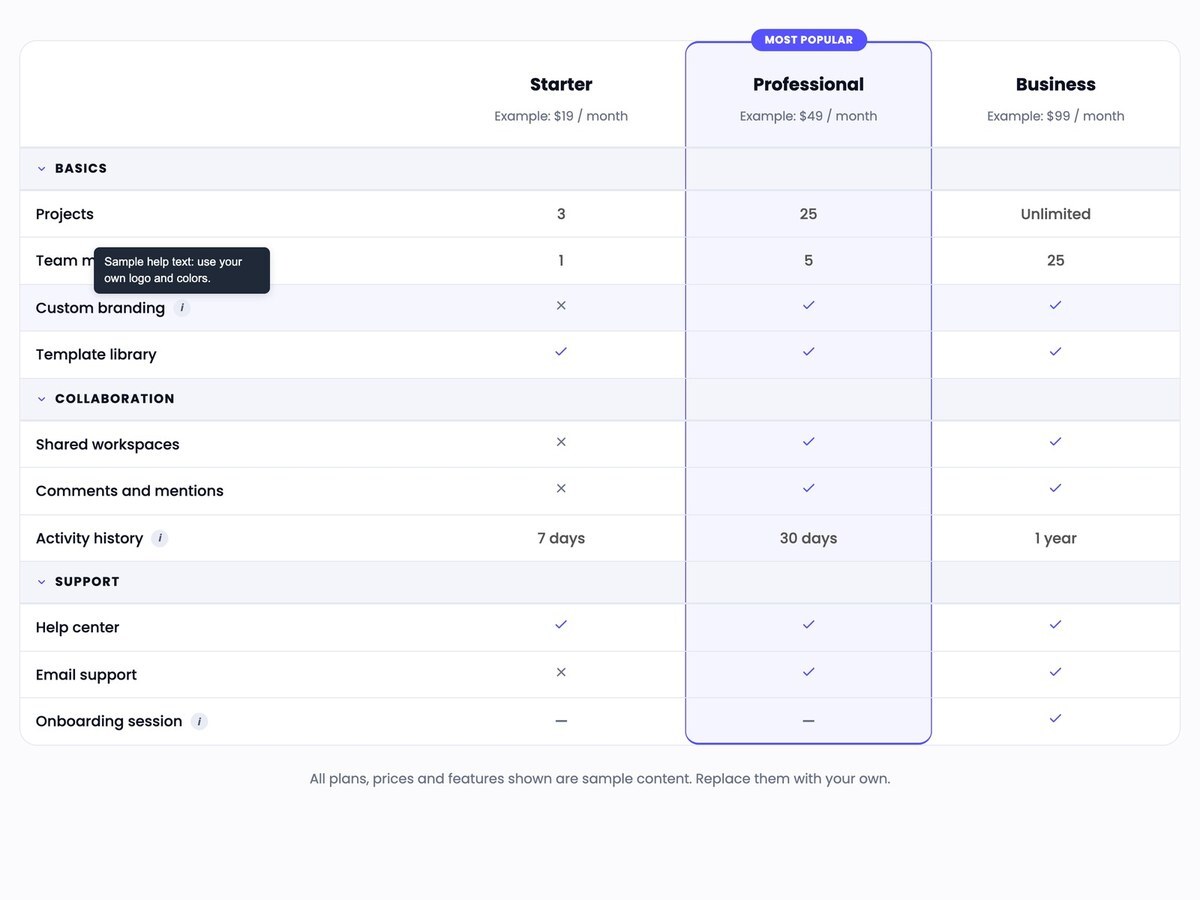
Rows with checks, crosses, dashes and text values, and an open help tooltip next to a row label.

Flexible Cell Values

Show a check, a cross, a dash or any text in each cell. Add optional help text to a row; it appears as a tooltip on hover and on keyboard focus.
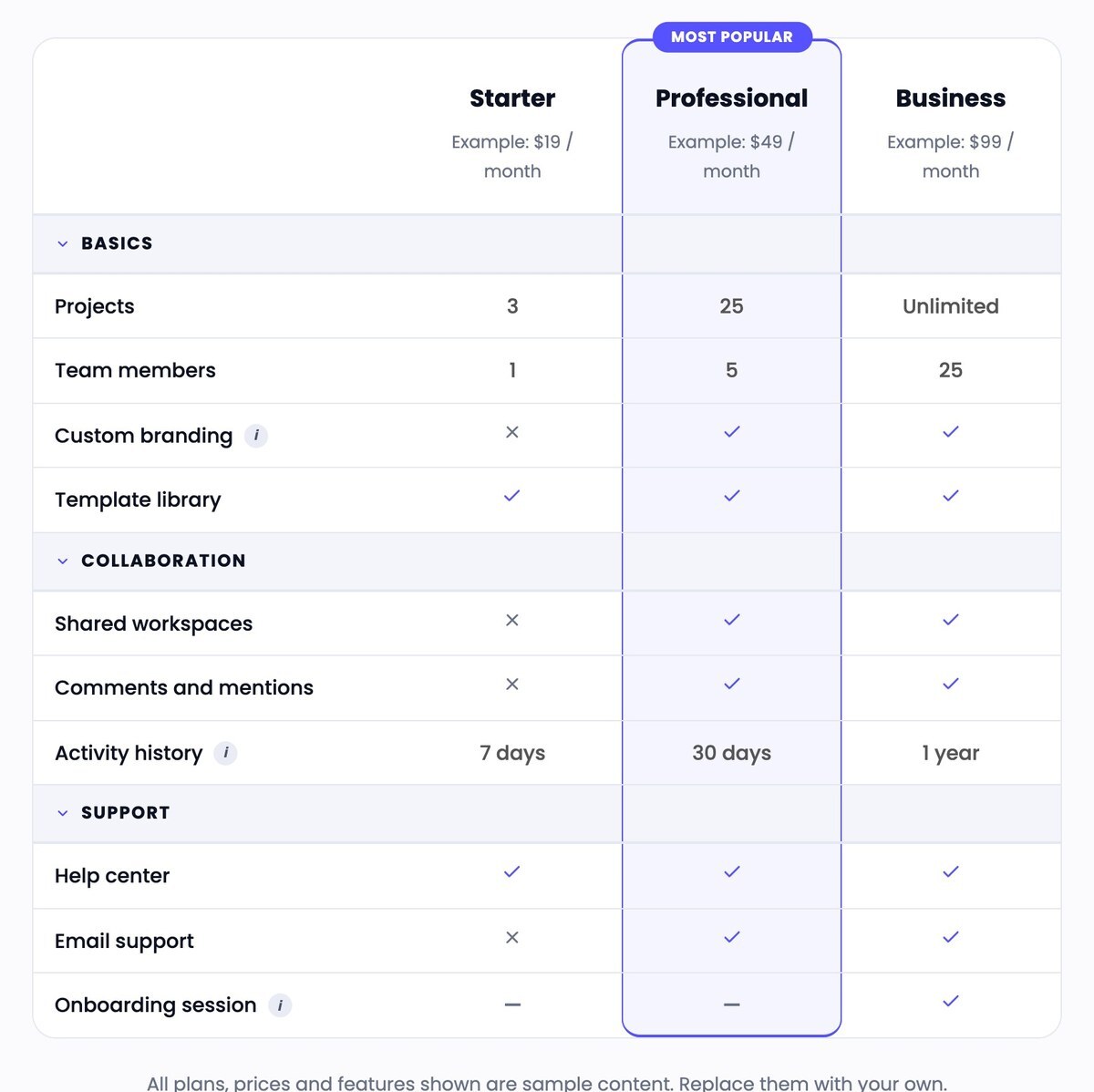
The comparison table at tablet width, in one piece with all three columns visible.

Responsive and Accessible

Uses a real HTML table with labeled headers, scrolls sideways on small screens with a visible hint, and supports keyboard use with a clear focus outline.

Layouts and configurations

Real captures of the module running in HubSpot, with its sample content.
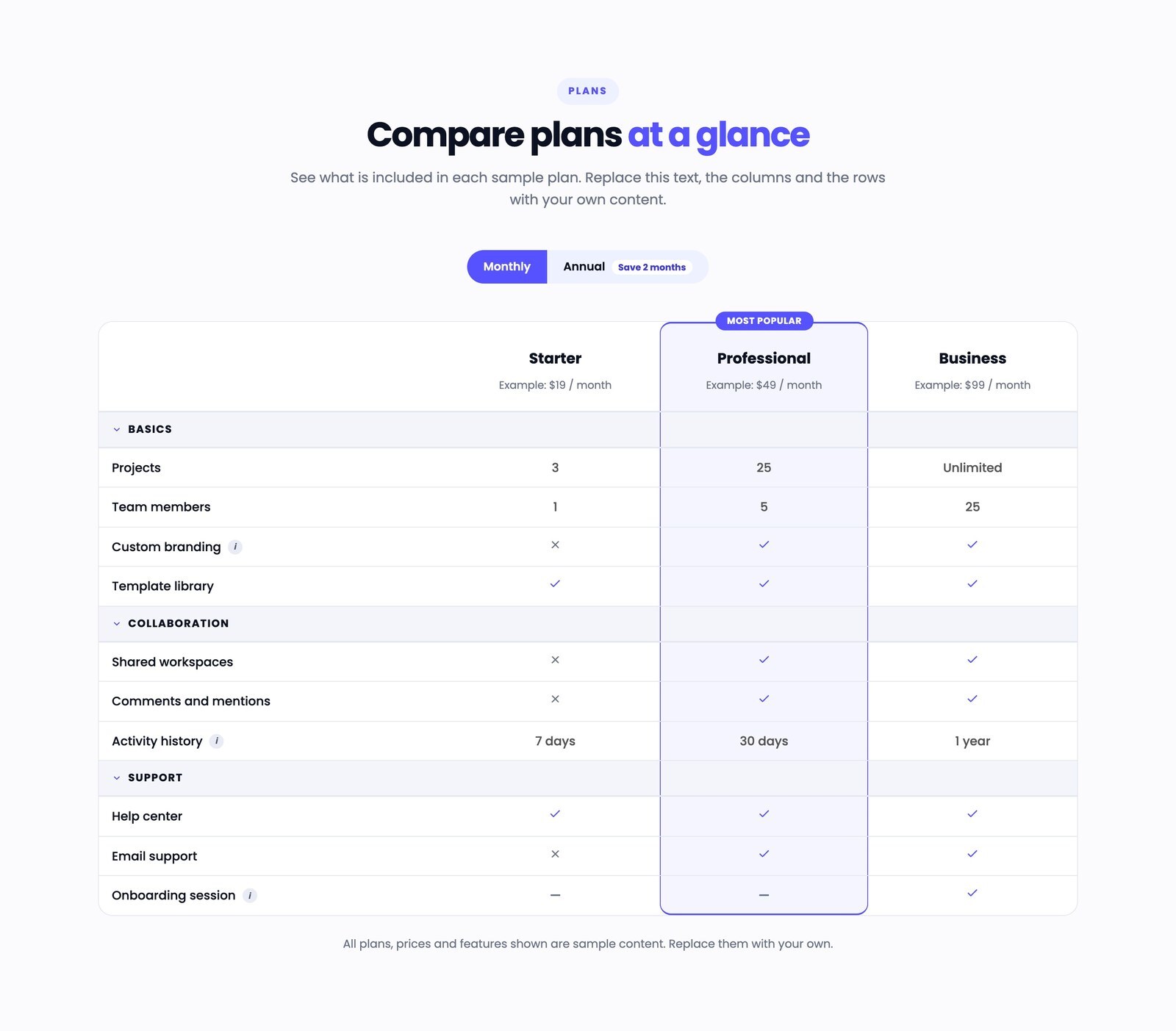
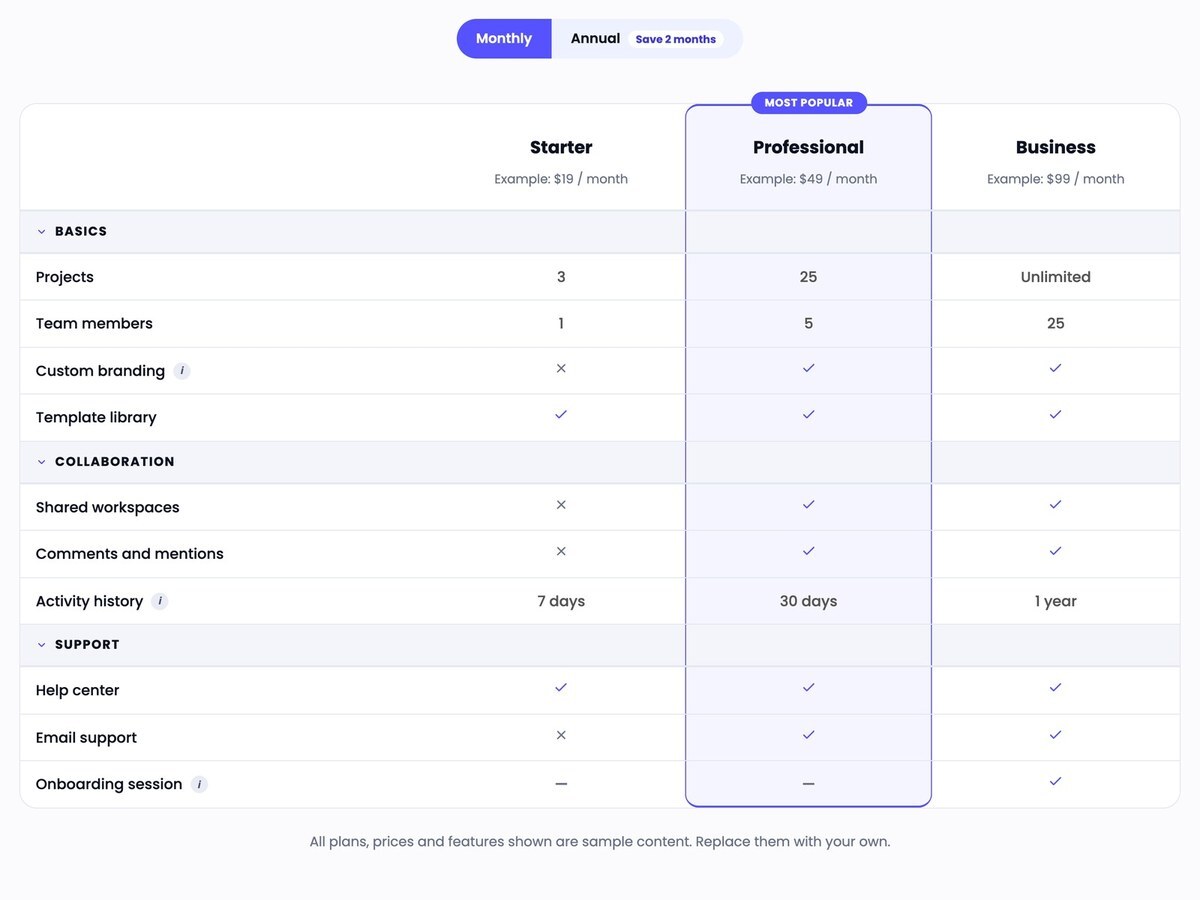
Pricing comparison table with monthly prices, a highlighted Professional column and three open categories.
Default configuration: monthly toggle selected, Professional column highlighted, all categories open.

Responsive views

Captures of the same module at tablet and phone widths (Chrome device emulation, not physical devices).
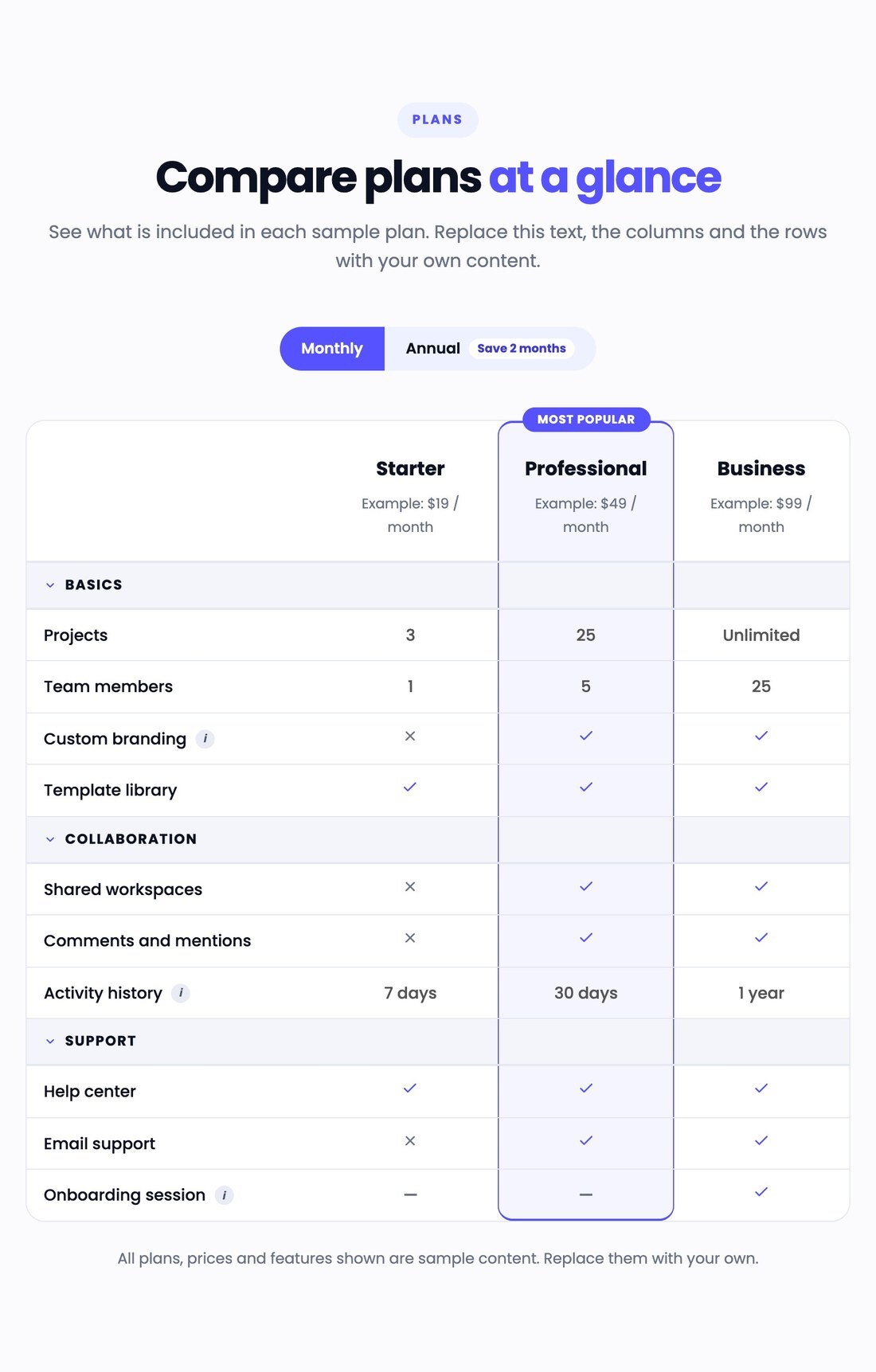
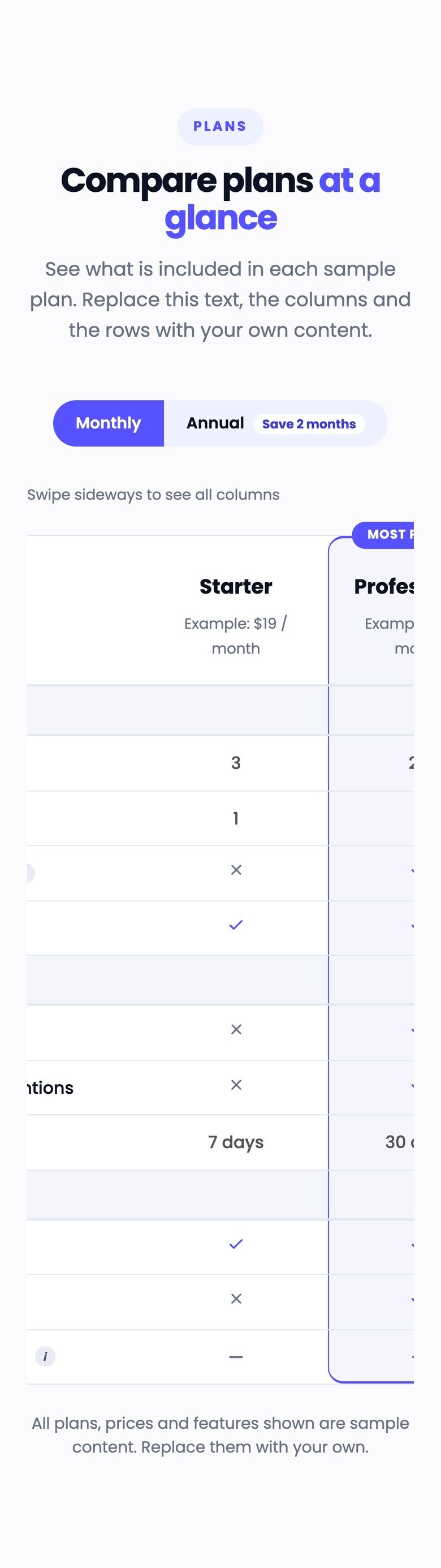
Pricing comparison table at tablet width.
Tablet width (820 px).

Technical details

Compatibility

  • HubSpot CMS: pages and templates where custom modules can be added.
  • Tested in current Google Chrome (desktop and mobile emulation); other browsers were not part of the tests.

Requirements

  • A HubSpot account that can edit pages or templates.
  • No third-party account is needed.

Dependencies

  • None: no external library.

Notable configuration

  • Up to 8 columns; any number of categories and rows.
  • Optional monthly / annual toggle.
  • Highlighted column with optional badge.

Known limitations

  • Each row needs one value per column.
  • The toggle changes only column subtitles and button links, not the row values.
  • A theme that forces its own rules with !important on tables, links or buttons can override the module's styles.

Related documentation